Birthday Party Link: One Place for Photos, Schedule and Playlist

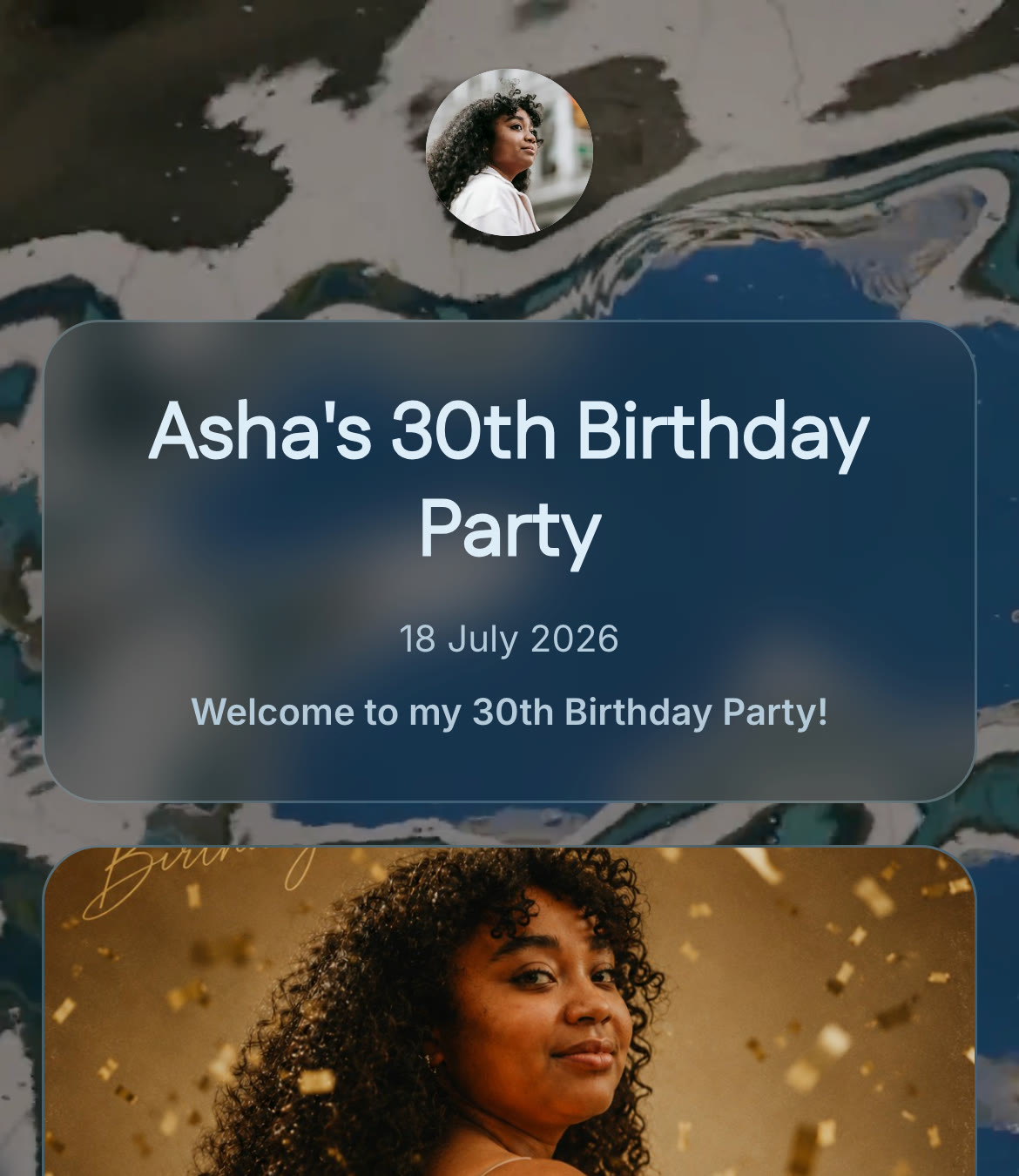
A birthday party link is one shareable link or QR code guests use for everything about the party, not just uploading photos. That distinction matters more than it sounds like it should, because almost every tool built for birthday parties solves one problem and stops there.
Photo collection is the easy part. Guests not knowing what’s happening is the real problem
Search for a way to share birthday party photos and you’ll find a long list of tools that all do the same thing well: guests scan a code, upload photos, done. That part of the category is genuinely solved.
What none of them touch is the other half of the problem. Guests also need to know when the cake happens, when games start, what time things wrap up, and that information usually lives in a paper invite nobody kept or a group chat that got buried under fifty replies about parking. A photo album doesn’t fix that. It was never trying to.
What one link can cover for a birthday party
| Covers | Why it matters for a birthday specifically |
|---|---|
| Schedule (arrival, cake, games, wrap-up) | Guests check it themselves instead of asking the host mid-party |
| Photo and video sharing | Guests upload during and after, landing in one shared reel instead of scattered across group chats |
| Playlist | The party’s music is visible and playable without anyone hunting down who’s running the aux |
Put together, that’s the actual “everything you need,” not just the photo slice of it.
Milestone parties need this more than casual ones
Be honest about scale here: for a small kids’ party with a dozen close friends, a group chat is probably fine. Once a guest list crosses into the 30-40 range, or the party has a real structure to it, speeches, a cake-cutting moment, planned activities, a group chat stops being enough. Nobody reads back through fifty messages to find the one about timing, and a proper schedule and a shared photo album stop being nice extras. They’re the difference between a party that runs smoothly and one where half the guests miss the cake because nobody was sure when it was happening.
A party at that scale also needs a runway. If you’re working towards a 30th, 50th or 80th, the month-by-month milestone birthday planning timeline covers when to send the save-the-date, when to start collecting old photos, and the jobs to hand out before the night itself. For the money side, the birthday party budget guide breaks down what a party costs at 20, 50 and 100 guests, including the minimum spend and drinks questions to settle before you pay a deposit.
The same idea scales past parties, too. If you’re organising something for work rather than for friends, the corporate event app guide covers what the one-link approach looks like for an offsite or an awards dinner, including what the conference platforms charge and the data questions your company will ask before you roll anything out.
What actually goes in a birthday party schedule
A birthday party schedule doesn’t need to be complicated, but it does better with a few deliberate beats rather than one vague block of “party time”:
| Moment | What guests need to know |
|---|---|
| Arrival | Start time, and roughly how long people should expect to stay |
| Cake / candles | The one moment guests don’t want to miss, worth a specific time |
| Games or activities, if any | What’s happening and roughly when, so guests can plan around it |
| Toasts or speeches, for milestones | Worth flagging on the schedule so people are actually in the room for it |
| Wind-down | An end time on the invite is the single biggest thing that keeps a party from drifting late, guests plan their evening around knowing when it ends |
None of this needs a professional event planner. It needs five or six lines guests can actually check instead of guessing.
No app, no account, for any guest
Same principle as everywhere else this works: guests scan a code or tap a link, and the party page opens directly in whatever browser they already have. Nothing to download for a one-off celebration.
How ShareWithGuests brings this together
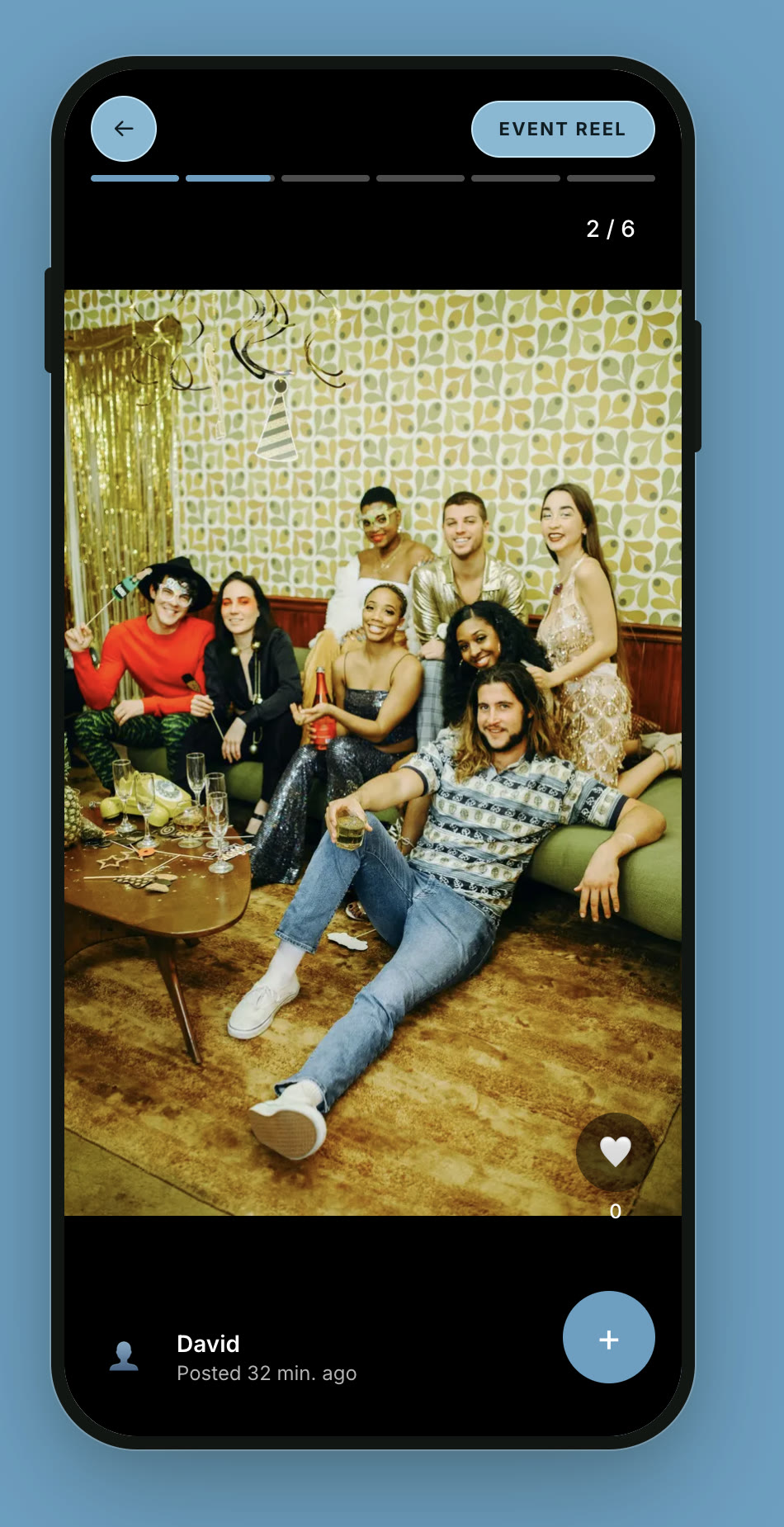
A birthday party event page on ShareWithGuests puts the schedule, a private photo and video reel, and the party playlist on one link. You set the schedule and playlist ahead of time; guests contribute their own photos and videos to the shared reel during and after the party. One link, sent once, instead of an invite for the details and a separate app for the photos.
What if a guest can’t or won’t use a link
Not every guest, especially older relatives, is going to scan a code without a little help, and that’s fine to plan for rather than hope around. Two things fix most of it:
- Have one person, a sibling, a close friend, whoever’s naturally the organizer, ready to help anyone unsure how to open the link for the first half hour or so, when most people arrive at once.
- Mention the link out loud when guests arrive, the same way you’d point someone to the drinks table. A verbal nudge gets far more people checking the schedule than a link mentioned once in the invite and never again.
Quick answers
Do guests need to download an app to see the party details? No. The event page opens in a browser from a QR code or shared link, on any phone.
Can guests add their own photos? Yes, guests upload directly to the shared photo and video reel. The schedule and playlist are set by the host.
Is this only for milestone birthdays? It works for any birthday party, but the value grows with the size and formality of the event. A big milestone party with a real guest list benefits most from having a schedule and shared photos in one place.
How far ahead should we set up the party link? A week or two is enough for most parties. Set it up earlier if you’re still finalizing the venue, timing, or a longer guest list, since those details are easier to lock in before you share the link than to update after guests have already seen it.
The checklist
| When | What to do |
|---|---|
| 2-3 weeks before | Set the schedule: arrival, cake, activities, wind-down |
| 1 week before | Add the playlist and finalize the event page |
| Day of | Share the link, and mention it out loud as guests arrive |
| During the party | Guests upload photos to the reel as they go |
| After | The shared photos and schedule stay up as a record of the day |
Set the schedule once, and the rest of the party runs on its own timing instead of yours.