Everythingyour weddingguests need.No app installs needed.
Seating plan, food menu, schedule and photo and video sharing — all in one wedding link your guests can open in seconds.
Try the demo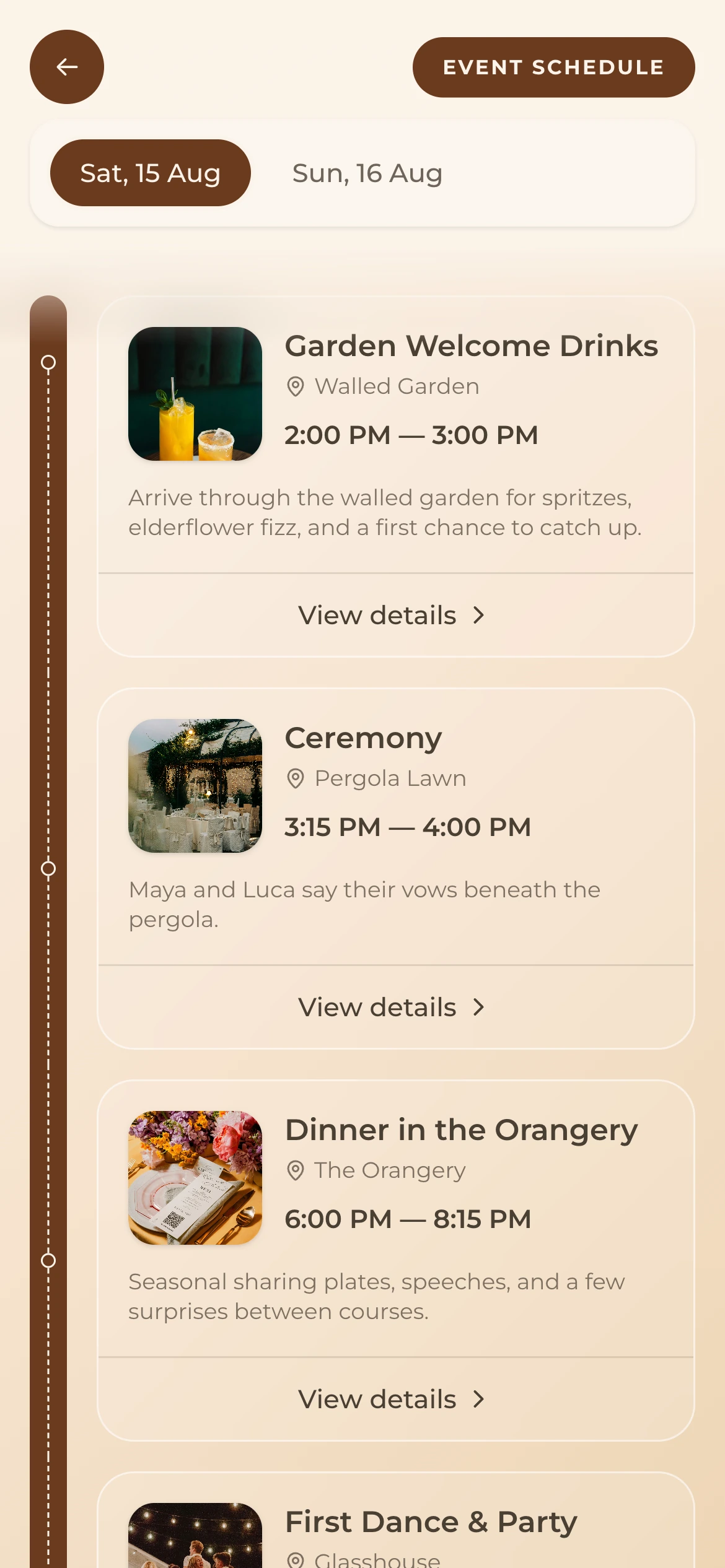
Everything your wedding needs
Built for Your Wedding Day
Every feature your wedding guests need, all from one beautiful dashboard.
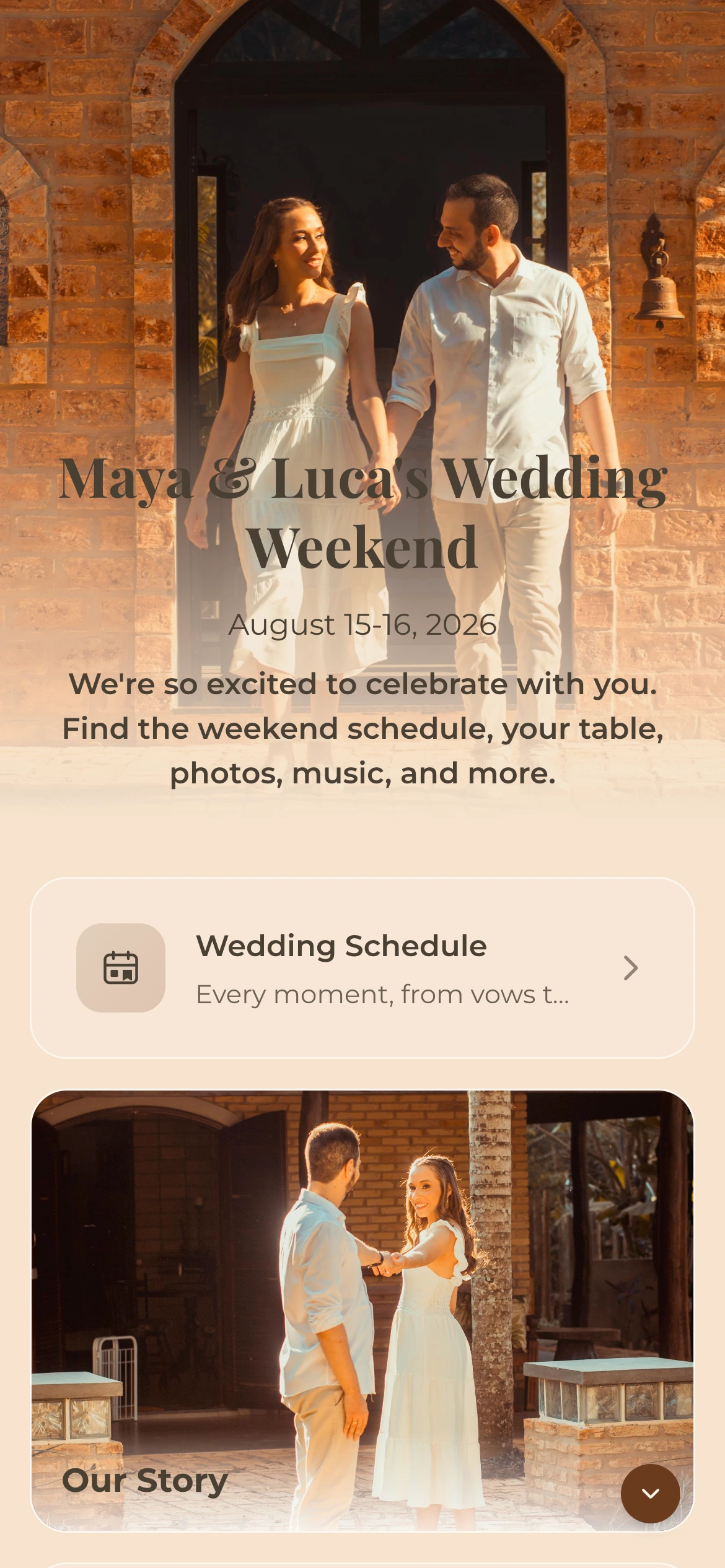
Your warm welcome
The home page for your wedding, where guests have everything they need to enjoy the day.
A timeline of the day
Share a detailed timeline so guests know exactly what's happening and when. Multi-day support included.
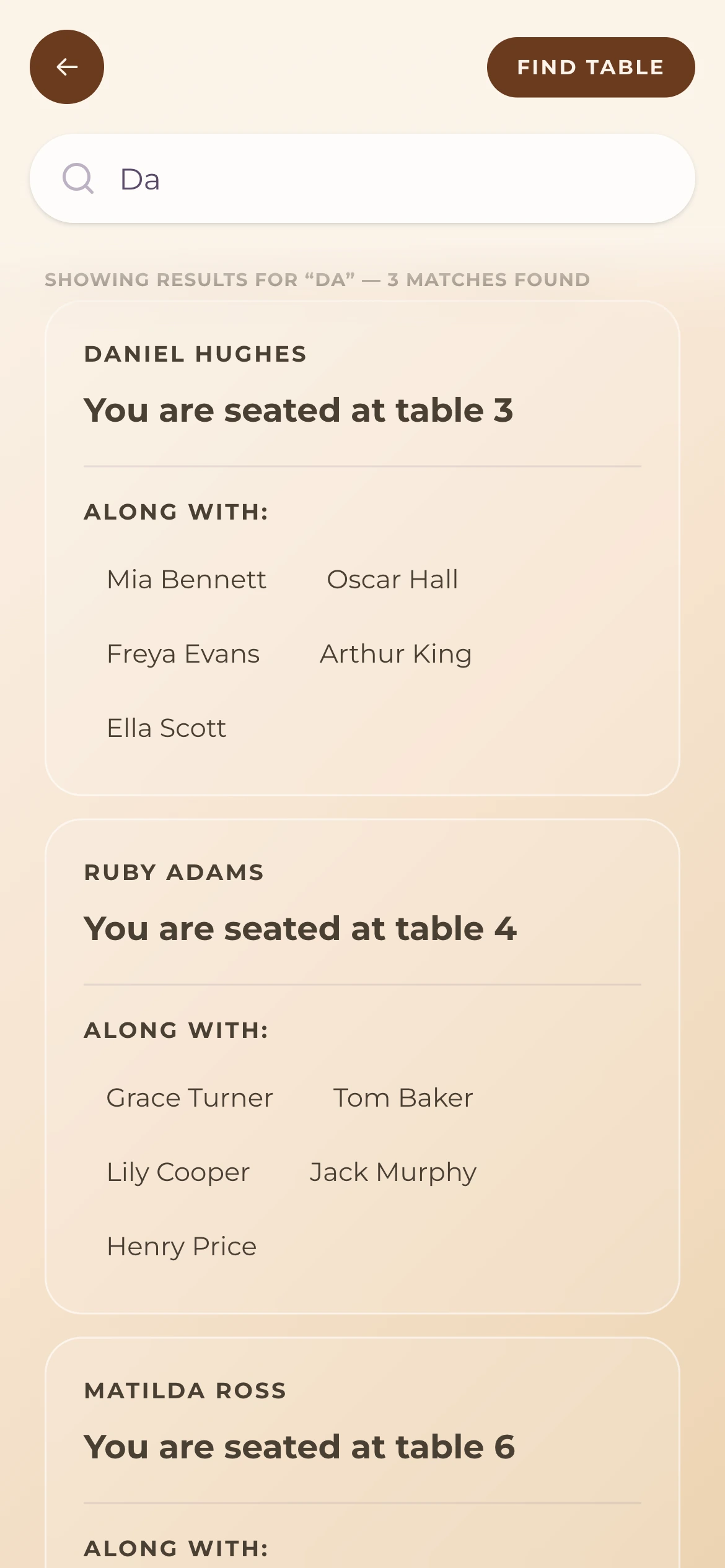
Digital seating information
Help guests find their seats easily. An interactive guide to tables and seating arrangements.
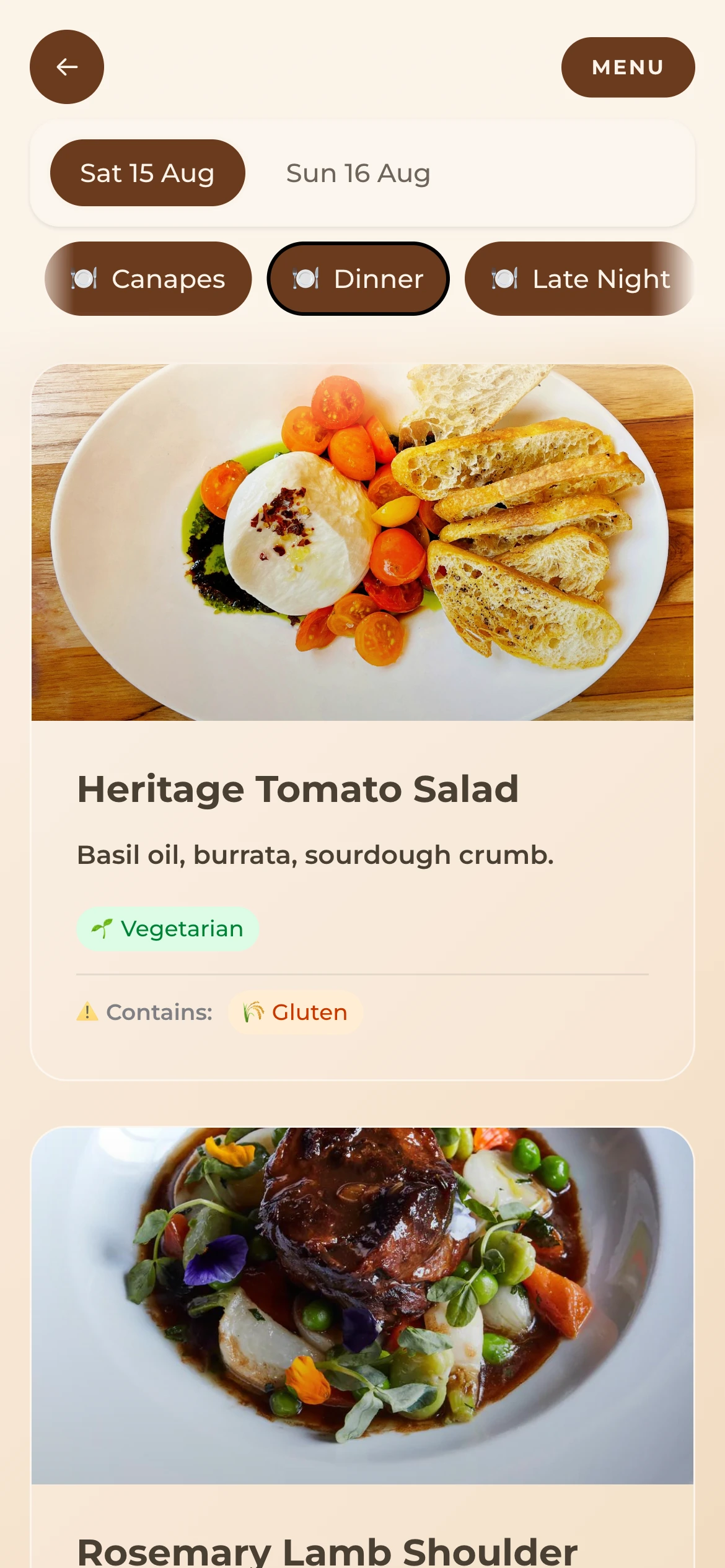
Every dish, every detail
Display food menus with dietary info, drink lists and other essential details for your guests.
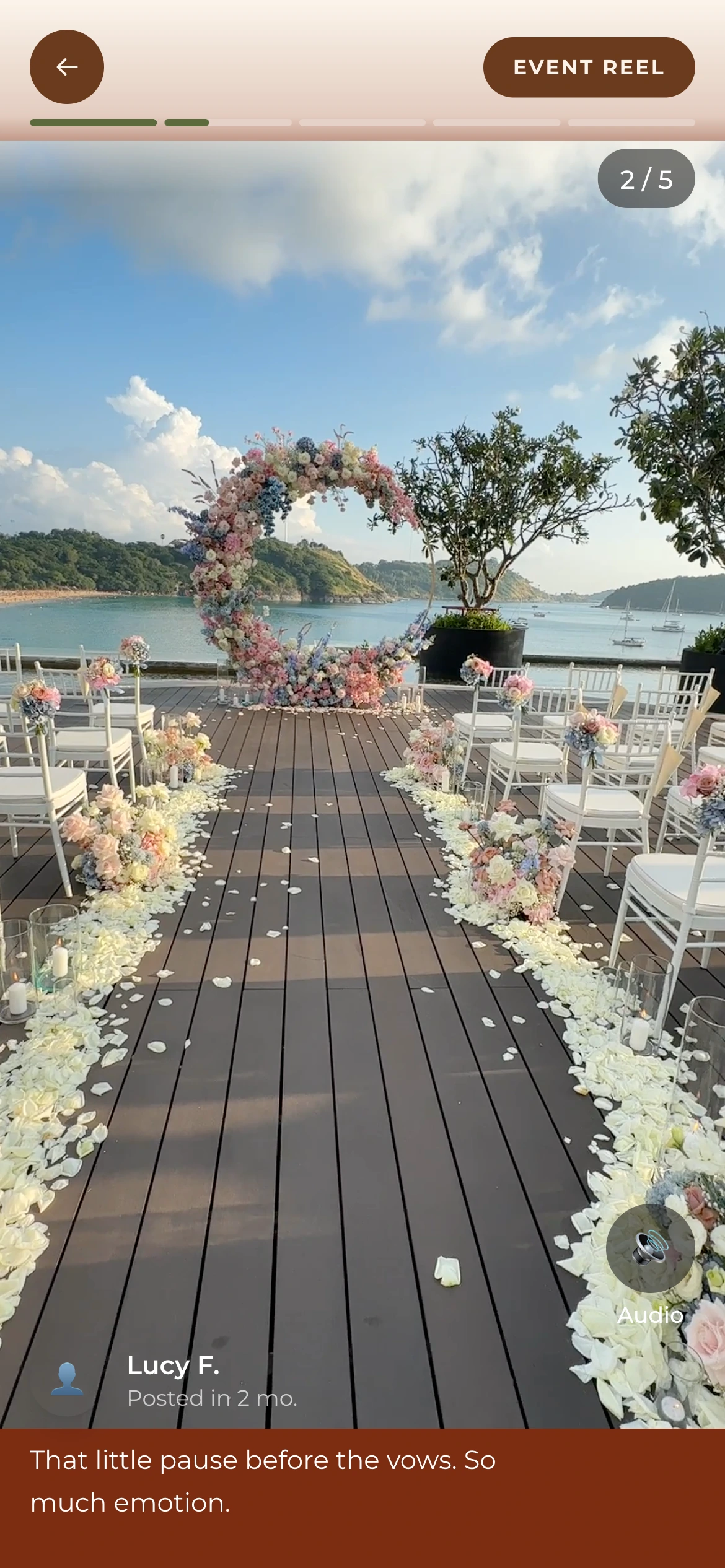
Every moment, shared
Your own private social media feed. Collect photos and videos from guests in real-time, just like Instagram but exclusive to your event.
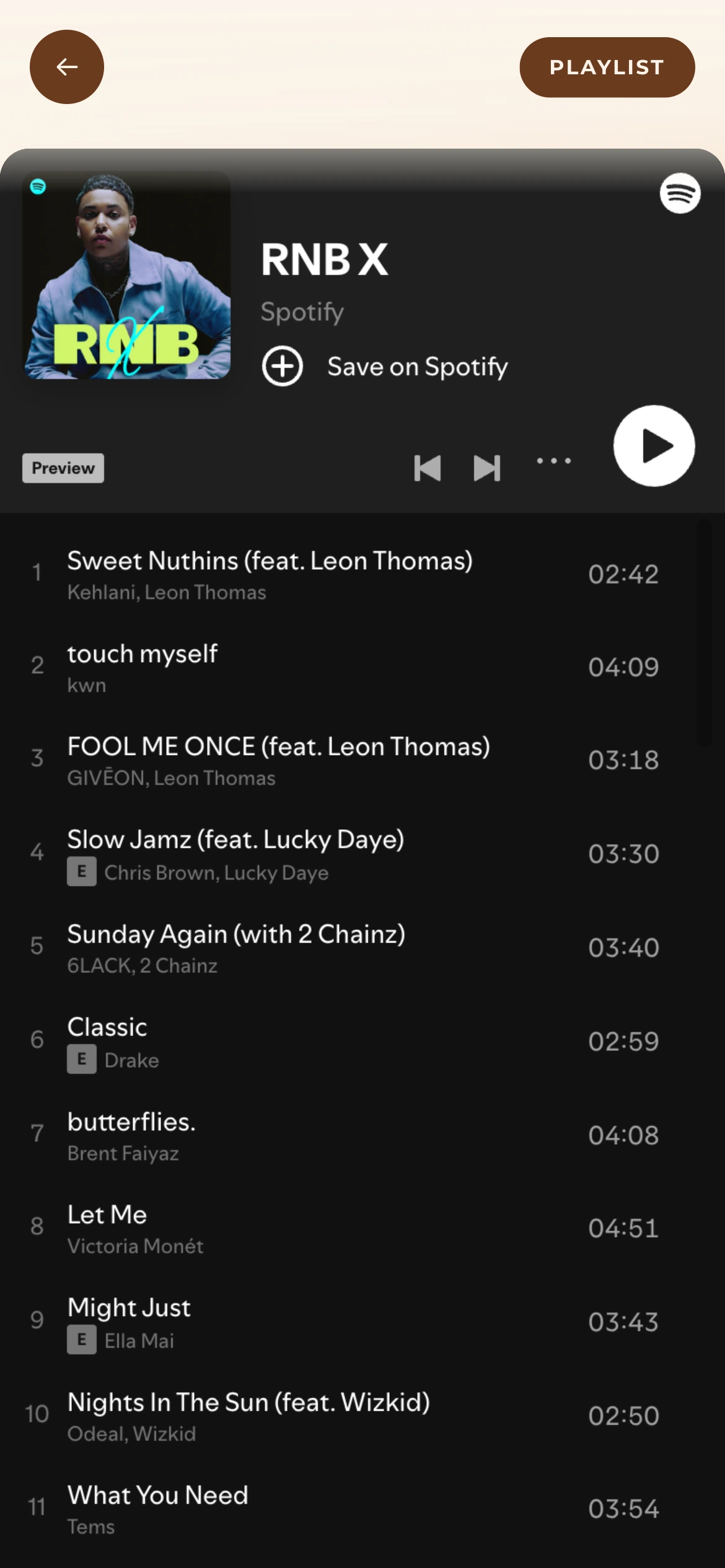
Set the mood
Share your playlist so guests know the vibe.
Set Up Your Wedding Link in Minutes
Get your wedding page live before the big day. No technical skills required.
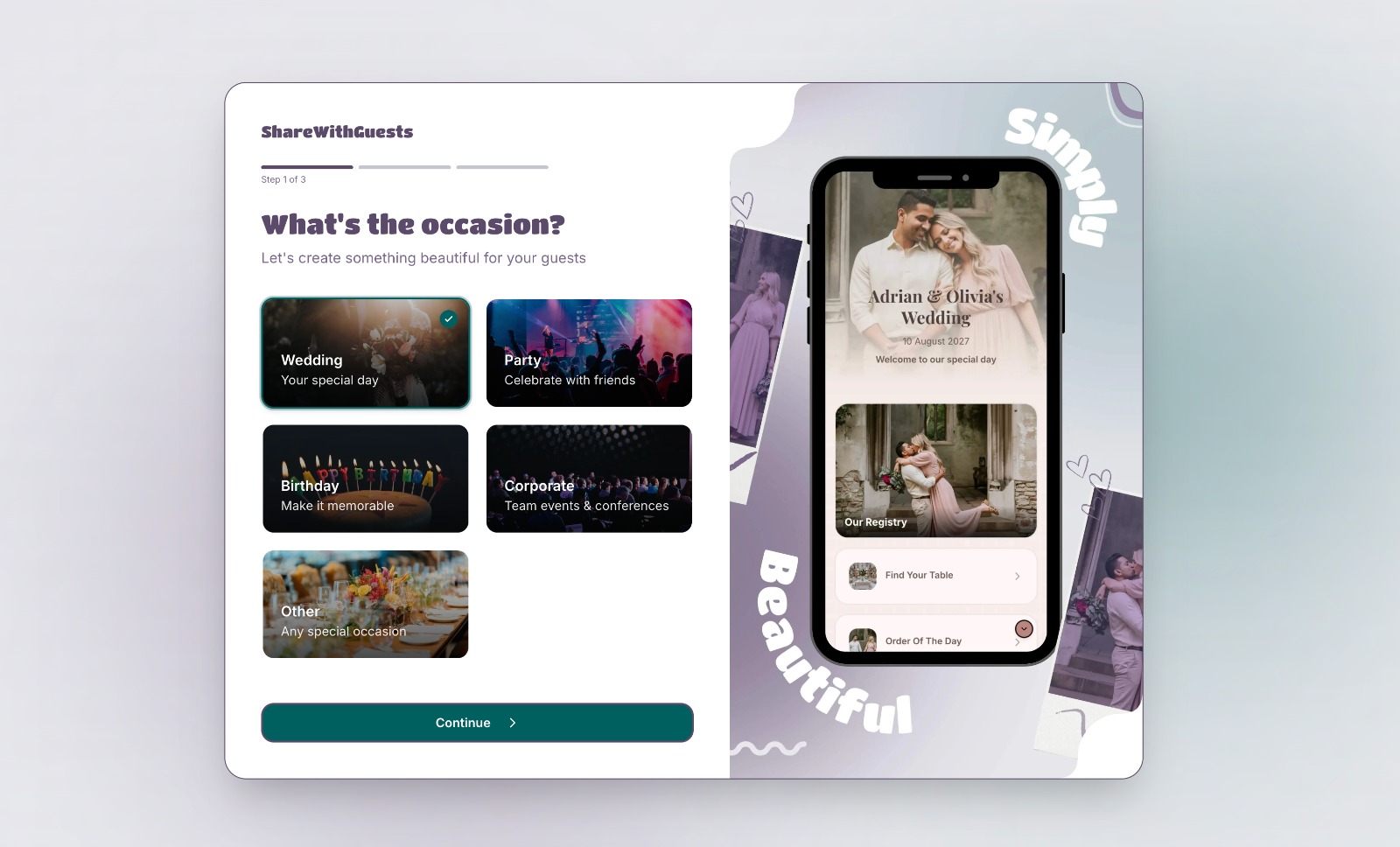 Step one
Create Your Event
Sign up for free and set up your event in minutes.
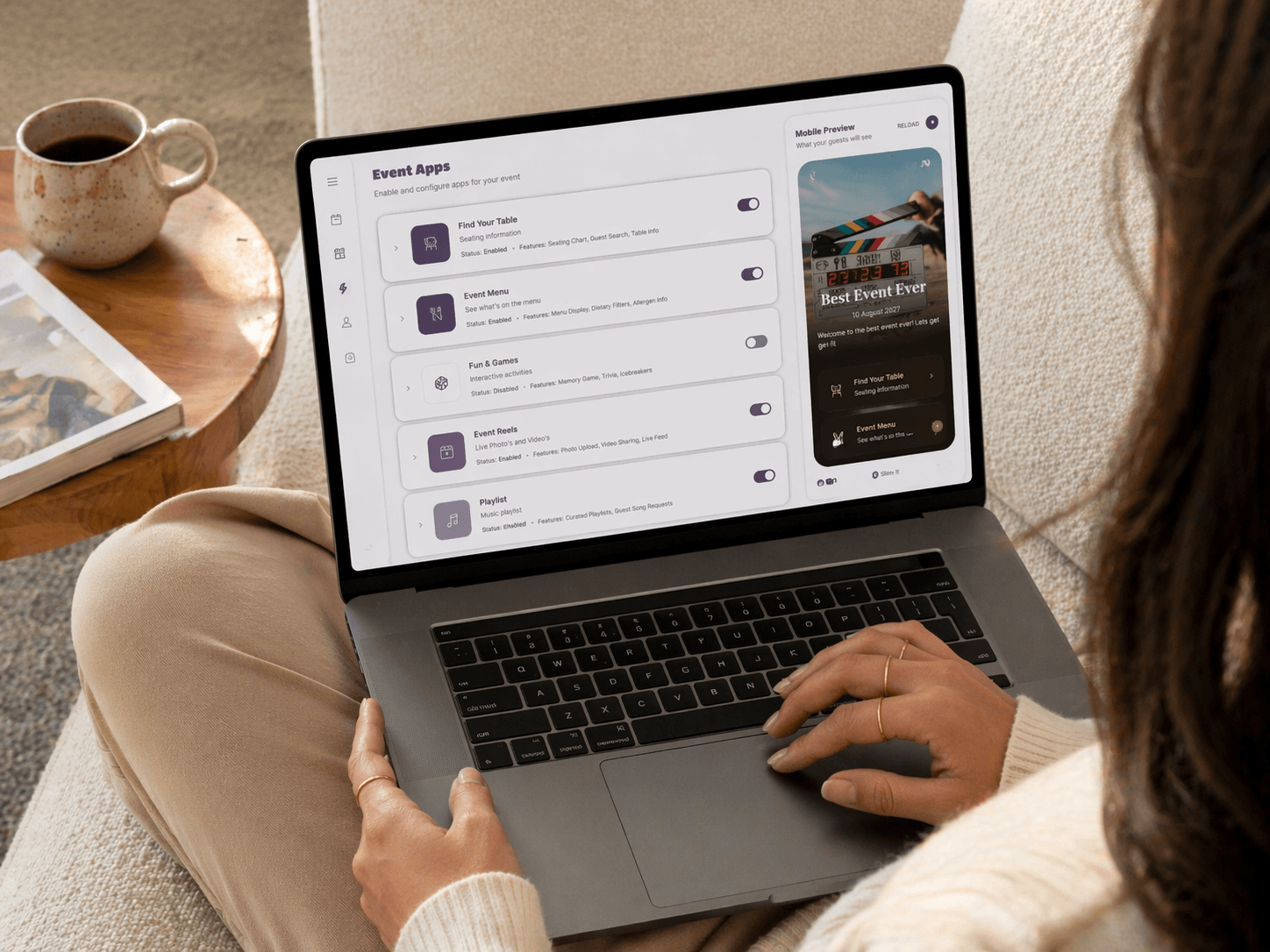 Step two
Add Your Content
Upload photos, menus, schedules, and more. Everything your guests need, all in one place.
 Step three
Share One Link
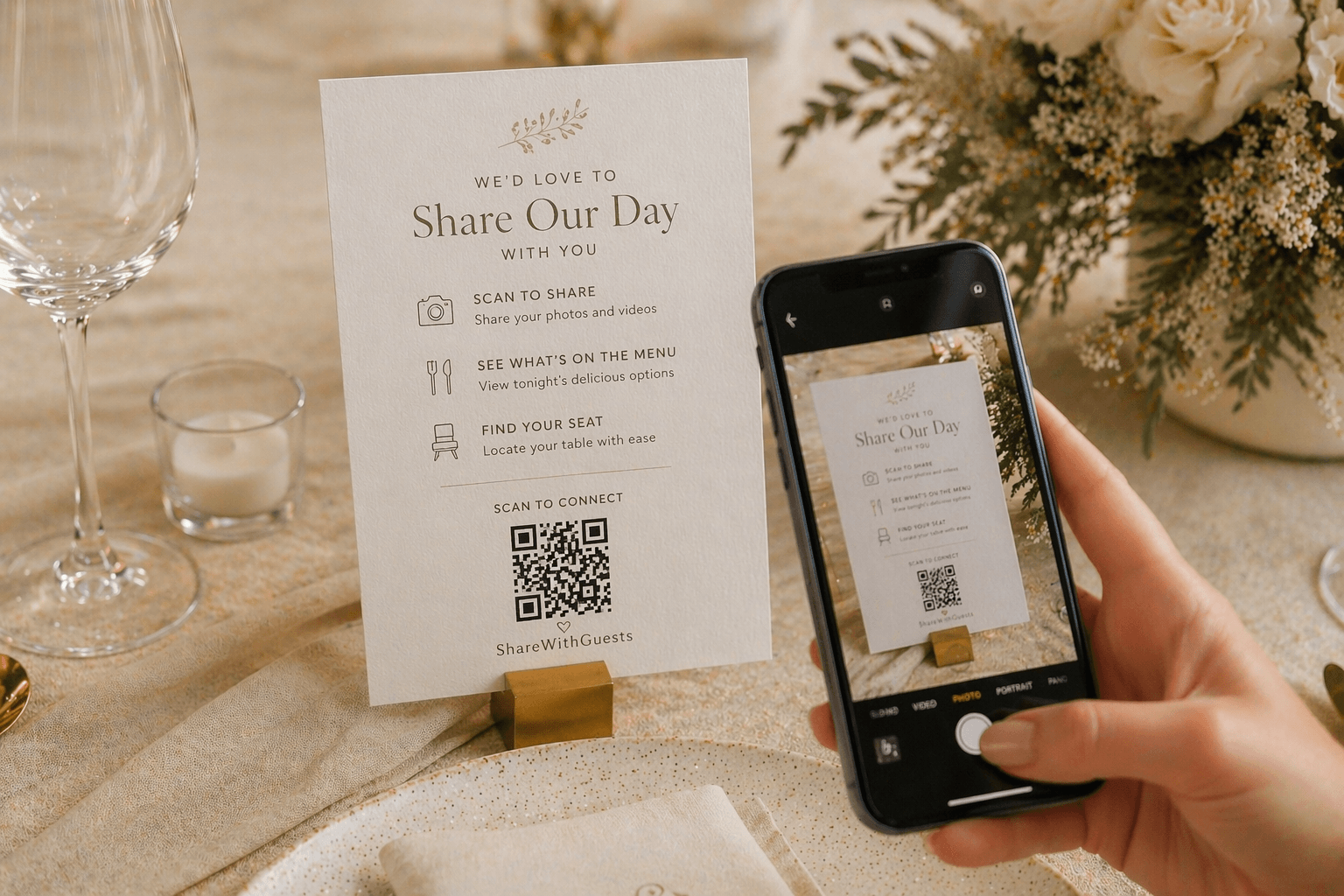
Publish and share a single beautiful link or QR code. Guests open it in their browser, no app download required.
Start Free, Publish When Ready
Sign up and explore the dashboard at no cost. When you're ready to share with your guests, choose a plan that fits your event.
Plus
Perfect for weddings & celebrations
- 1 event
- Event active for 30 days
- Media storage for 6 months
- Unlimited photo & video uploads
- Full access to all event apps
- Full branding & customisation
- Download all media
Pro
Everything in Plus with analytics, AI & longer access
- 1 event
- Event active for 90 days
- Media storage for 12 months
- Unlimited photo & video uploads
- Full access to all event apps
- Full branding & customisation
- Download all media
- Analytics dashboard
- AI-powered imports
- AI menu generation
Frequently Asked
ShareWithGuests is designed to be your digital wedding companion on the day itself. It covers everything from your ceremony schedule and seating plan to the food menu, photo sharing and playlist — all accessible from a single wedding link your guests can open in their browser.
The Find Table feature lets guests search for their name or table number and see exactly where they're sitting. You upload your seating plan and the app does the rest — no printed table plans or escort cards needed.
Yes — the Event Reel is your private photo and video feed for the day. Guests upload moments as they happen and everyone at the wedding can see them in real time, like a private Instagram just for your celebration.
ShareWithGuests is a platform that lets you create a single, beautiful link for your event. You can share everything your guests need including photos, schedules, menus, RSVPs, and more all in one place.
No! You can sign up completely free and explore the full dashboard. Add content, preview your event page, and get everything set up. You only pay when you're ready to publish and share with your guests.
No problem, we offer a full refund as long as you haven't published your event. You can pay, set everything up, preview your page, and if it's not right for you, simply request a refund. Once your event is published and shared with guests, the refund window closes.
ShareWithGuests works for any event like weddings, birthday parties, corporate events, baby showers, graduations, and more. If you have guests, we've got you covered.
Not at all. Your event page is a web link that works on any device with a browser. Guests simply tap the link or scan a QR code. No downloads, no sign-ups.
Absolutely. Choose from themes, customise colours and fonts, upload your own branding, and make your event page truly reflect your style and personality.
Once published, you get a unique URL and QR code. Share it via text, email, social media, or print it on physical invitations, however you reach your guests.