Digital Wedding Menu: What Goes On It and Who Owns Allergens

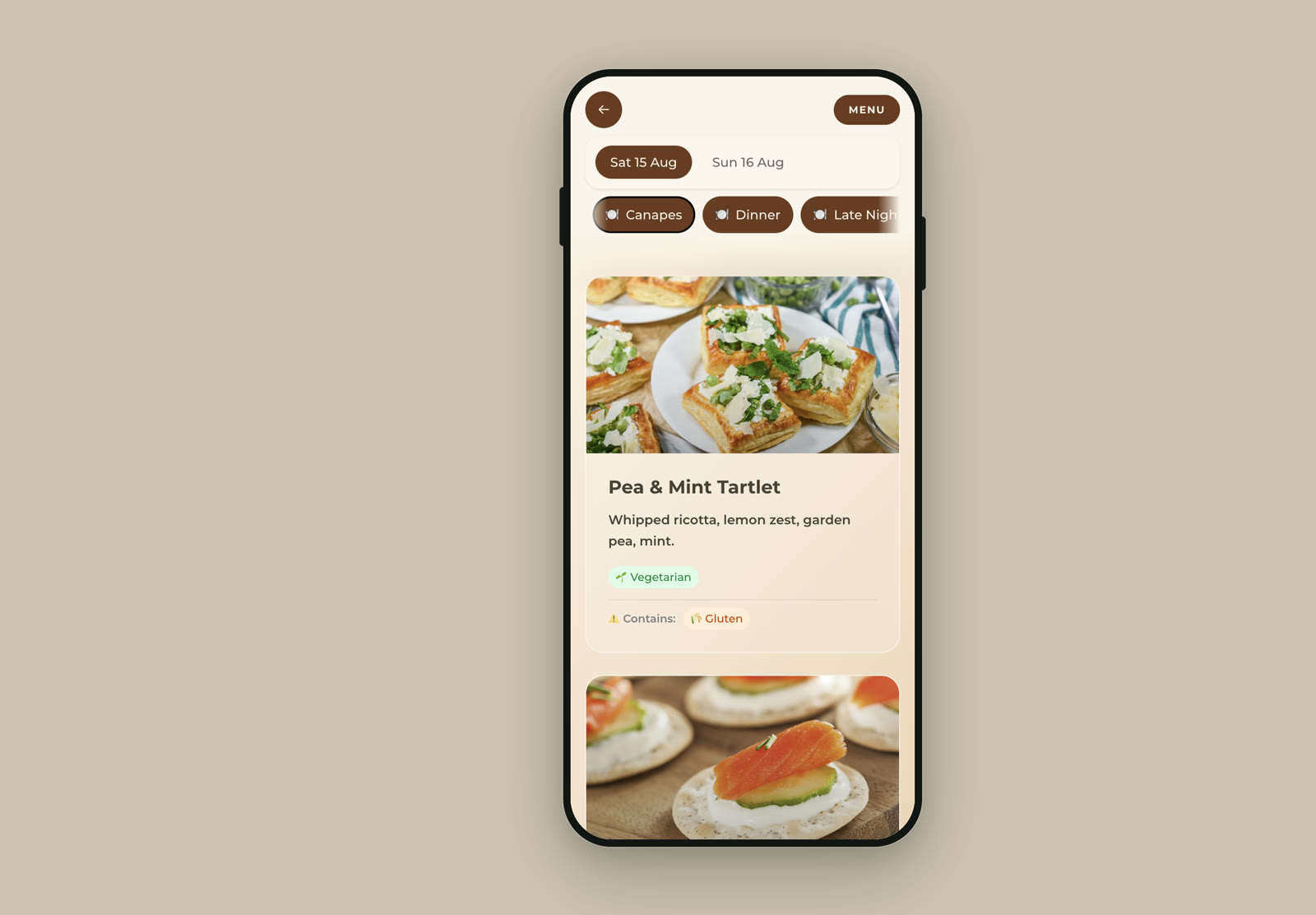
A digital wedding menu is a web page your guests open on their phones, usually from a QR code on the table, showing what is being served across the day. It does three things a printed card cannot: it can change after it is printed, it can carry more detail than fits on a 10cm card, and it can cover every meal of a whole wedding weekend rather than just the wedding breakfast. What it cannot do is take over allergen responsibility from your caterer, and that is the part most guides get wrong.
Here is what belongs on one, what the printing it replaces actually costs in the UK, and how the dietary information gets from an RSVP in March to a phone screen in August without quietly going out of date on the way.
What a digital wedding menu replaces, and what it doesn’t
Three separate bits of stationery usually sit on a wedding table, and a digital menu only genuinely replaces one of them.
| Printed item | What it does | Can a digital menu replace it? |
|---|---|---|
| Menu card | Lists the courses | Yes, and it can hold far more per dish |
| Place card | Tells one person where to sit | No. It has to be physically on the seat |
| Table plan | Tells everyone which table they are on | Partly, if guests can look themselves up |
| Allergen record | The caterer’s working document | No. This is not yours to hold |
The place card is the one people try hardest to digitise and should not. A name on a phone is no use to the person walking into a room of thirty round tables holding a drink. The table plan is a genuine either-or, and if you want guests looking themselves up rather than crowding a board, that is a separate job covered in our guide to how a seating chart app works.
So the honest framing is not “digital instead of printing”. It is “digital instead of the menu cards, and fewer of everything else”.
What printed wedding menus actually cost, per guest
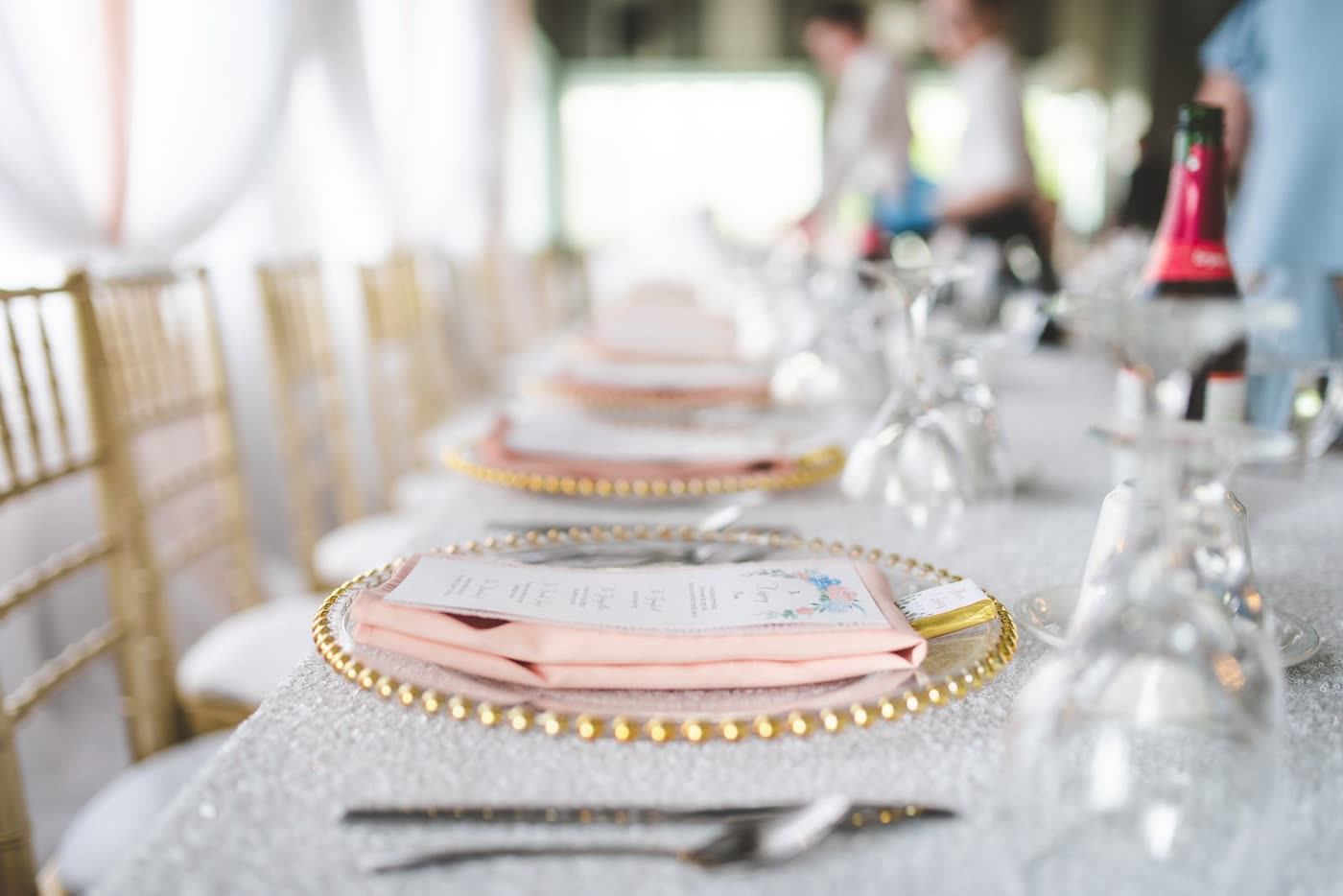
Printing is the reason most couples look at this in the first place. UK prices, checked September 2026:
| Item | Typical UK price | For 90 guests |
|---|---|---|
| Professionally printed menu card | £0.50 to £3 per guest | £45 to £270 |
| Place card | £0.30 to £2 each | £27 to £180 |
| Printed table plan | £20 to £150 for one | £20 to £150 |
| Editable Etsy template, printed yourself | £5 to £20 one-off, plus paper and ink | £25 to £60 all in |
| Digital menu page | Included in most all-in-one event tools | £0 extra, plus the QR code printing |
The first three rows are the professionally-printed ranges published in Bridebook’s 2026 UK stationery guide. The template and digital rows are typical rather than sourced, and vary more.
What moves you up that range is the finish, not the menu: letterpress, foiling, hand-torn edges and heavy card are most of the gap between 50p and £3. But the cost people actually resent is not the first print run. It is the reprint, when the caterer swaps the sea bass for hake three weeks out and 90 cards become wastepaper. A digital menu is at its most useful precisely there.
Who is responsible for allergen information at your wedding
Your caterer is a food business. You are not. Telling customers whether any of the 14 regulated allergens are present in non-prepacked food is a legal requirement on that business. How it does so is where the Food Standards Agency’s guidance, revised in March 2025, adds best practice rather than new law: allergen information should be written down and easily accessible, and then underpinned by a conversation with the customer.
Written, and a conversation. A digital menu is a good answer to the first half. It cannot do the second half, because a web page cannot ask a guest a follow-up question or tell them about a cross-contamination risk in the kitchen.
The 14 regulated allergens are celery, cereals containing gluten, crustaceans, eggs, fish, lupin, milk, molluscs, mustard, peanuts, sesame, soya, sulphur dioxide and sulphites above the regulated level, and tree nuts.
What this means in practice:
- The allergen record lives with the caterer, not in your menu page. Ask for theirs in writing and check it names all 14, not just the obvious ones.
- Your digital menu is a guest convenience, so guests can see at a glance which dishes are likely to work for them before a plate arrives. That is genuinely useful and it is not a legal record.
- Say so on the page. One line at the bottom, something like “Allergen details are confirmed by our caterer on the day, please speak to a member of staff”, is honest and takes ten seconds to add.
- Do not let a QR code replace the conversation. A guest with a serious allergy should still be spoken to, and any caterer worth booking will expect that.
Most consumer tools, including ours, carry a common subset of allergen tags rather than all 14. That is fine for a guest-facing summary and it is exactly why the summary should not be the only source of truth.
What to write against each dish, and what not to
Once you are not constrained by card space, the temptation is to write too much. A dish entry that works has four parts.
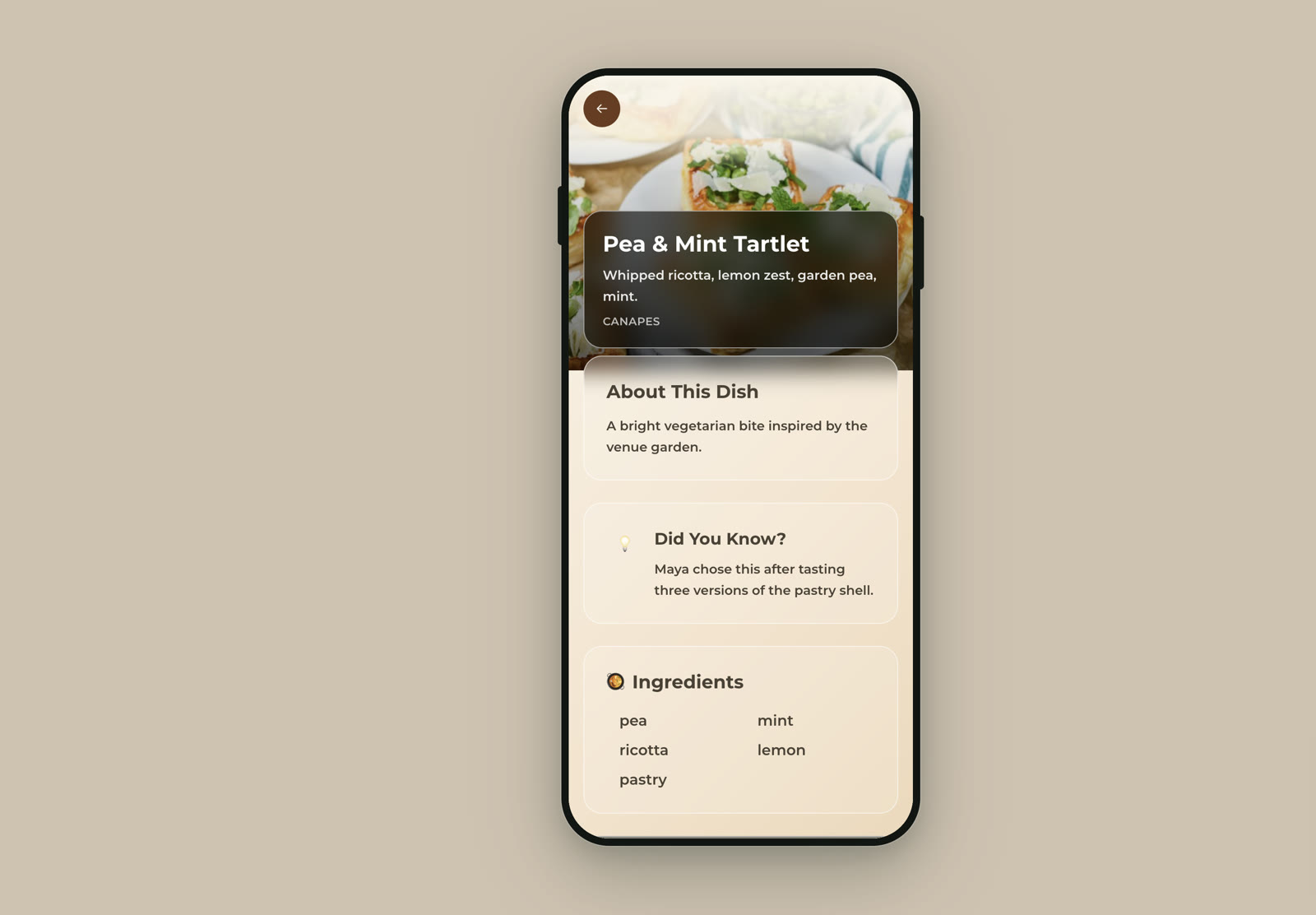
- The dish name as the caterer wrote it. Do not rename it to be charming. Guests compare it against what they are handed.
- A plain one-line description. The components, in order of what dominates. “Whipped ricotta, lemon zest, garden pea, mint” tells a guest more than “a celebration of spring”.
- Dietary tags, applied conservatively. Vegetarian, vegan, gluten-free. Only tag what the caterer has confirmed, and tag nothing you are guessing at.
- A short allergen line, phrased as “contains”, never as “free from”. Claiming absence is a promise; noting presence is information.
Things to leave off. Prices, obviously. Tasting-menu prose that makes a guest work out what they are eating. And any “may contain” hedge copied off a supermarket label, which is a manufacturing convention that means nothing in a wedding kitchen and makes the whole page less trustworthy.
One optional extra that earns its place: a line of context per dish. Why you chose it, where the recipe came from, what you tasted before landing on it. On a printed card there is no room. On a page, it is the thing guests actually read out to each other at the table.
Dietary requirements exist in three places, and they drift apart
The failure mode with a digital menu is not technical. It is that the information on the page stops matching the information in the kitchen, because the same facts are held in three places at once, updated at different times.
| Where it lives | Where it came from | When it is fixed |
|---|---|---|
| Your RSVP list | Guests, when they replied | 8 to 12 weeks out, and still changing |
| Your caterer’s record | You, when you sent final numbers | Usually 2 weeks out, and then locked |
| The menu guests see | You, when you built the page | Whenever you last touched it |
The third one is the one nobody remembers to update. A practical sequence that avoids it:
- 12 weeks out. Put a free-text dietary field on the RSVP, not just tick boxes. Tick boxes catch vegetarian and vegan and miss coeliac, pregnancy and the guest who simply cannot eat shellfish.
- 4 weeks out. Chase the non-responders by name. The people who have not replied are disproportionately the ones with a requirement, because they are waiting to explain it to a person.
- 2 weeks out. Send final numbers and the full dietary list to the caterer, and ask them to send back the menu as they will actually cook it. That document, not your original plan, is what the page should reflect.
- The week of. Build or update the page from the caterer’s version. This is a 20 minute job if you left it until the numbers were real, and a repeated one if you did not.
- The morning of. Change nothing unless the caterer tells you to. If they do, change it, which is the entire advantage you paid for.
If the schedule side of this is what you are wrestling with rather than the food, our hour-by-hour reception timeline covers when each course actually lands.
One menu for a whole wedding weekend
Weddings have quietly stopped being one meal. A Friday welcome dinner, a Saturday wedding breakfast, evening food at ten and a Sunday brunch is now an ordinary shape for a wedding, and it is the shape printed cards handle worst. Four meals mean four print runs, or one card that is only right for a quarter of the weekend.
A digital menu handles this with day tabs, so a guest opening the page on Sunday morning sees Sunday’s brunch rather than scrolling past Saturday. Three things make it work:
- Name meals by what they are, not by course. “Friday welcome dinner” beats “Dinner”, because guests are orienting in a weekend, not in a meal.
- Show the current day by default. Guests should not have to know what they are looking for.
- Include the things people forget to write down: what time food is served, whether there is anything at all between the wedding breakfast and the evening, and what the vegetarian option actually is at each of them.
That last one is the most-asked question of any wedding weekend, and it is nearly always answered by someone guessing.
Print and digital together, because each is better at something
The genuinely good setup is not either-or.
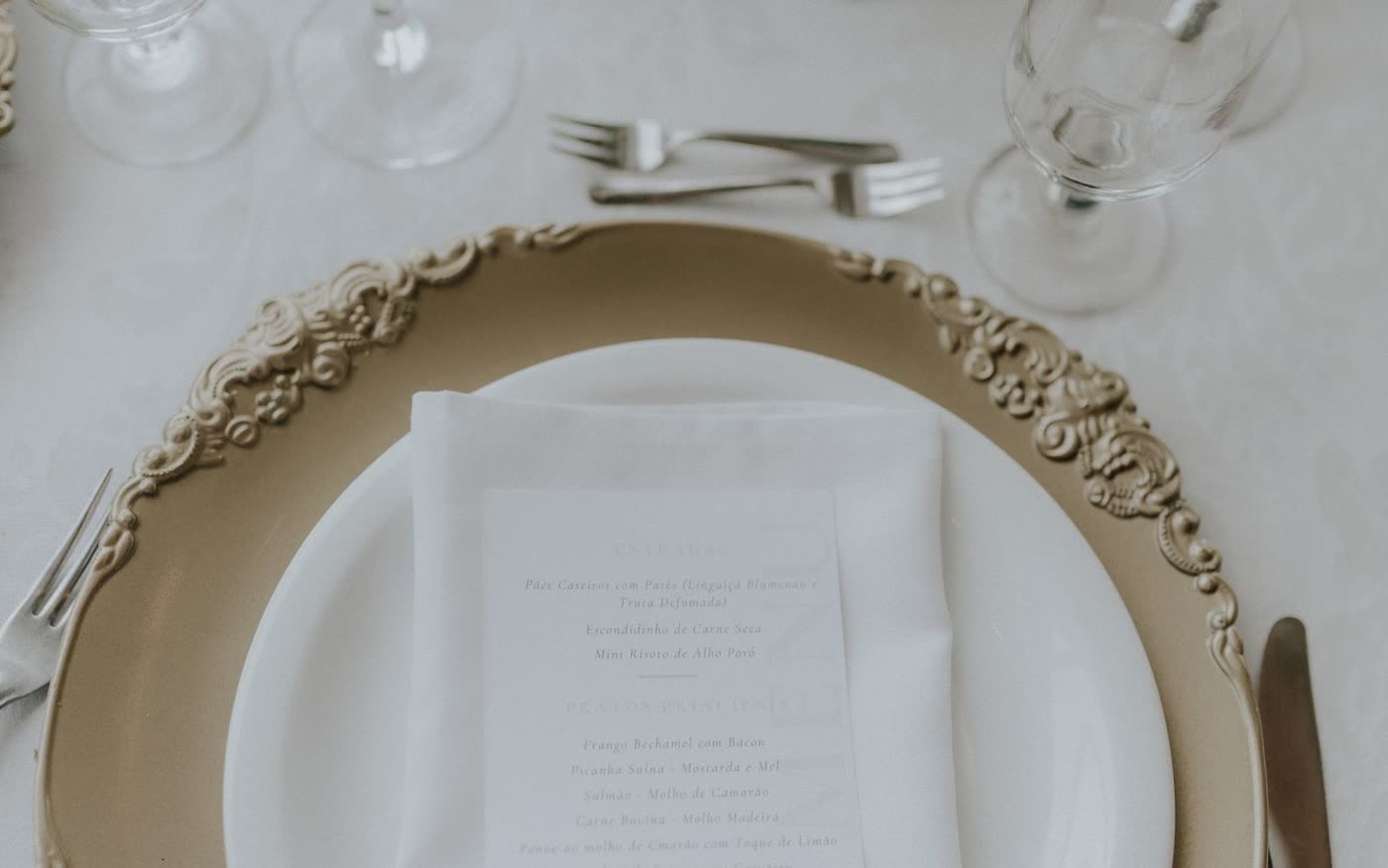
Print a small number of cards. Ten to fifteen for a 90-guest wedding covers the guests who will not scan anything, the ones whose phone is in a bag in the car, and the top table, where a card photographs better than a phone. Put one QR code per table on the table number rather than one per place setting, which cuts the print run to the number of tables. The mechanics of making and sizing the code are covered in our QR code setup guide and apply here unchanged.
Assume the signal is bad, because rural UK venues routinely have neither usable mobile data nor guest wifi. It is the same trap that catches couples streaming a wedding playlist, with one important difference: a menu is a single small page load, not a continuous stream, so it will often get through where streaming will not. Often is not always, which is what the printed cards are for. Open the page on a phone at the venue before the day and find out which you are dealing with.
Setting it up in ShareWithGuests
The Event Menu app is one of the pages on your event link, so guests reach it from the same place as the schedule and everything else, with no app to install and no account to make.
Per dish, you can add a photo, a short description, a longer note, an ingredient list, vegetarian, vegan and gluten-free tags, and a “contains” allergen line. Menus are organised by day and then by course, so a weekend runs as day tabs, and you can choose whether guests see all days at once or only the current one. Everything is editable after the fact, including on the day, and the page every guest has open updates with it.
Building it is a 20 minute job if you leave it until the caterer’s numbers are real, which is the sequence in the checklist below.
Quick answers
Do guests need an app to see a digital wedding menu? No. It opens in a phone’s browser from a QR code or a link, with nothing to install and no account.
Can a digital menu replace place cards? No. Place cards have to be physically on the seat. A digital menu replaces the menu card, and can replace the table plan if guests can look themselves up.
Who is legally responsible for allergen information at a wedding? Your caterer, as the food business serving the food. Your menu page is a guest convenience, not the allergen record.
What if the venue has no signal? Print ten to fifteen cards as a fallback and put one QR code per table rather than per place setting. Test the page on a phone at the venue beforehand so you know what you are dealing with.
When should I build the menu page? The week of the wedding, from the caterer’s final menu rather than your original plan, once final numbers and dietary requirements are locked.
Does a digital menu save money? On a 90-guest wedding it removes £45 to £270 of menu card printing, though most couples still print ten to fifteen cards deliberately.
The checklist
| When | Do this |
|---|---|
| 12 weeks out | Free-text dietary field on the RSVP, not just tick boxes |
| 4 weeks out | Chase non-responders by name |
| 2 weeks out | Send final numbers, get the caterer’s menu back in writing |
| 2 weeks out | Ask for the caterer’s allergen record covering all 14 allergens |
| Week of | Build the page from the caterer’s version, not your plan |
| Week of | Add dietary tags, allergen “contains” lines, and the “ask a member of staff” note |
| Week of | Print one QR code per table, plus 10 to 15 menu cards |
| Day before | Open the page on a phone on the venue’s actual connection |
| On the day | Change nothing unless the caterer tells you to. Then change it in a minute |