QR Codes at Corporate Events: Where They Earn Their Place (and Where They Fail)


A QR code at a corporate event is worth printing when it answers one question for a delegate who is standing up with a phone in their hand: where is the next session, what is for lunch, how do I get the slides. It fails when it is a decoration with no clear destination, printed too small for the distance it is read from, or stuck somewhere nobody supervises. Most advice stops at check-in. This covers everything else, including the parts vendors leave out.
Where a code earns its place, and where it breaks
Every code at your event should pass one test: can you say in a sentence what it opens and who scans it? This table is the working version.
| Placement | What it should open | Who scans it | How it fails |
|---|---|---|---|
| Registration desk sign | The event page (agenda, venue, contacts) | Everyone, in the first ten minutes | Queue stands behind the sign, so the code is read at arm’s length and printed too small |
| Session room door | Today’s agenda, scrolled to that room | Latecomers and people between rooms | Opens a generic home page, so they hunt for the right day |
| Table talker at lunch | The menu, with dietary information | Seated delegates, at 40 to 60 cm | Only readable standing up, or printed under 3 cm |
| Lanyard or badge | Your own contact details, if delegates network | Another delegate, at conversation distance | Too small to scan across a lanyard, and it holds personal data |
| Stage screen between talks | Slides, a feedback form, or photos | The whole room at once | On screen for four seconds, or at the back of the room where the screen is unreadable |
| Exit signage | Photos and feedback | People leaving | Nobody stops walking |
The right-hand column is where most corporate QR codes go wrong. The fix is rarely a better code. It is a better position, size or destination.
One code per question, not one code per event
A single code that opens the whole event page is right for the registration desk. Everywhere else, send people to the one thing they came for. A delegate scanning the lunch table talker wants the menu, not a landing page they must then navigate on a small screen.
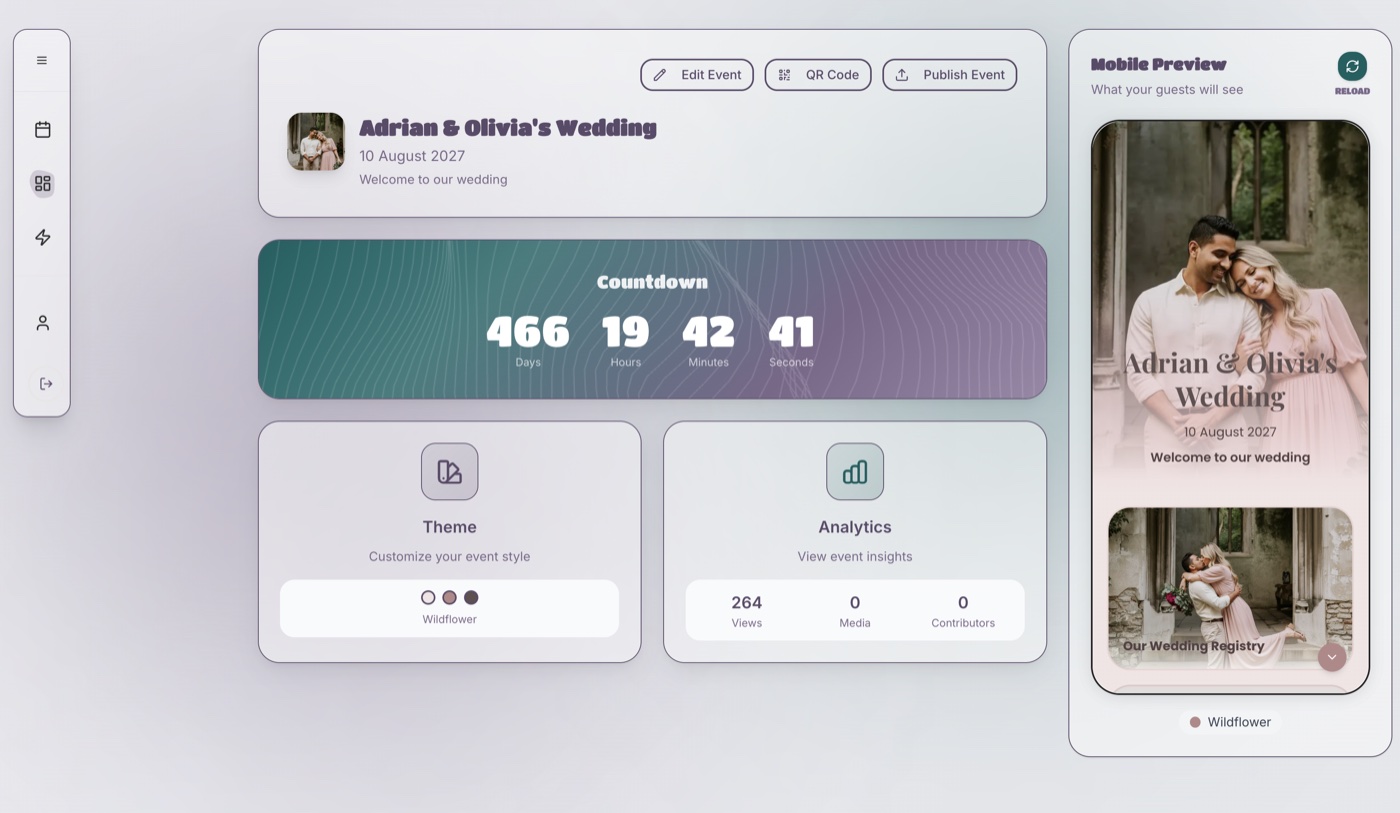
ShareWithGuests lets you pick the destination when you make a code: the event page as a whole, or one specific app within it such as the schedule or the menu. You download it as a PNG and drop it into your signage template. Because each app has its own link, the lunch code and the agenda code are different codes pointing at different pages, which is the structure you want.
Keep the number small. Three or four codes across a one-day event is plenty. Past that, delegates stop trusting that any one of them is the right one.
Badges and lanyards: the size problem
The usual rule of thumb is that a phone scans a code from about ten times its width (QR Code Generator). Run that against a badge and the problem is obvious. A 2 cm code is readable from about 20 cm. Two delegates talking sit roughly arm’s length apart, closer to 60 cm, and a lanyard swings, tilts and catches the light.
| Where the code is | Typical code width | Comfortable scanning distance (width x 10) |
|---|---|---|
| Badge, printed corner | 2 cm | 20 cm |
| Table talker | 5 cm | 50 cm |
| A4 poster | 10 cm | 1 m |
| Roll-up banner | 20 cm | 2 m |
If you want a badge code to work between two people talking, it needs to be about 6 cm wide, which is most of the badge. For most events the better answer is not to put a code on the badge at all. Put the code on the registration sign and the table, and let delegates swap details the way they always have.
If you do print one on the badge, keep personal data out of it. A code that encodes a name, email address and company shows all of that to anyone who scans it, and to anyone who photographs the badge. Encode a link or an opaque reference, never the details themselves. Which system holds the delegate list, and who can see it, is a question for your data protection lead before you print.
Signs and screens: where the distance is longer
Posters and screens give you more width, so size stops being the main problem. Position becomes it.
- Registration: put the code on the desk and on a standing sign beside the queue, so people can scan while they wait rather than at the front.
- Doors: put it at hand height, not eye height. People scan holding a phone at chest level.
- Screens: leave the code up for the whole break, not between slides. If it is on a projector, check it from the back row, because projected codes lose contrast in a lit room. Keep it dark on light.
- Contrast: dark code on a pale plain background beats any branded colour scheme. If your brand colour is mid-tone, use it for the border and keep the code itself black on white.
The sizing arithmetic for the link itself, and why a short link prints smaller than a long one, is in our QR code setup guide. It is written for weddings but the mechanics are identical.
When the venue has no signal
Conference rooms, hotel basements and converted warehouses are exactly where mobile signal drops. A code that depends on a good connection does nothing in a dead room.
Three things cover it:
- Test it in the actual room, at the time of day it will be full. A full room of phones sharing one mast or one Wi-Fi network can behave very differently from an empty one.
- Ask the venue for Wi-Fi details in writing and put them on the registration sign next to the code, not on a separate page.
- Print the short link underneath the code. It gives a delegate with a flaky camera, or a phone that will not focus, something to type.

A printed fallback is worth keeping for the people who ask for one. Nobody should be unable to find the next session because of a phone, and one box of agendas on the desk costs little. Our corporate event app post covers the accessibility side in more depth.
The security question nobody asks until it goes wrong
A QR code hides its destination. You cannot read where it goes before you scan it, which is why criminals use them. The UK’s National Cyber Security Centre says QR fraud is small compared with other cyber fraud, and that the bigger concern is “quishing”: phishing emails that put a malicious link inside a QR code, because some filters do not scan images (NCSC). Its advice is to scan with your phone’s built-in camera rather than a third-party app, and to treat a code in an unexpected email with caution. It also separates busy open places such as car parks and stations from supervised ones such as pubs and restaurants, where codes are likely to be safe.
Your event sits between the two. A staffed registration room is supervised. A poster in a hotel lobby that anyone can walk past for two days is not, and a sticker over a legitimate code is an old trick. Practical steps:
- Check every printed code on the morning, before doors open, and again after lunch if the venue is shared.
- Print the link beneath the code, so delegates can see where it goes before they trust it. A code that says one thing and leads to another is the one to worry about.
- Never email a code. Send the link as text. If you must send people to the event page in advance, a link in a message from a known sender is safer than an image they are asked to scan.
- Use a static code that points straight at your event page rather than one that passes through a third-party redirect, so there is no middle service that can be changed or lapse.
- Tell your IT team the codes are coming, so a delegate who reports a suspicious one does not set off a false alarm.
What a plain QR code cannot do
A static code is just a picture of a link. It cannot tell you how many people scanned it, who scanned it, or whether they got what they wanted. Vendors sell scan analytics, but those come from a paid redirect service, with the lock-in that implies, and for most internal events the headcount in the room tells you more.
It also stops working the day the page behind it does. That matters if you reuse signage. An annual conference that reprints last year’s banner is pointing delegates at last year’s event. Make a fresh code per edition, and take down old signage once the event is over.
Quick answers
Should delegates check in with a QR code? Only if you already have a ticketing system that generates and scans them. For an internal event, a printed name list is quicker.
How big should a QR code be on a lanyard? About 6 cm wide to scan at conversation distance, which is most of a badge. Most events should skip it.
Can a QR code work without an app? Yes. Current iPhone and Android cameras scan codes and open the link in the browser.
Is it safe to put a QR code on a poster? Generally yes in a staffed room. Check it before doors open and print the link beneath it.
Can I use one code for the whole event? For the registration desk, yes. For lunch, doors and screens, give each its own destination.
Before you print
| Check | Done |
|---|---|
| Each code has a one-line answer to “what does it open?” | |
| Registration code opens the event page; lunch code opens the menu | |
| Sizes checked against how far away it is scanned | |
| Short link printed beneath every code | |
| Scanned in the actual room, with the room full | |
| Wi-Fi details on the registration sign | |
| No personal data encoded in any badge code | |
| Morning check of every printed code before doors open | |
| Printed agendas available for anyone who asks | |
| Old signage from previous editions taken down |