Digital Guest Book Ideas That Guests Actually Use in 2026


The best digital guest book is the one your guests will open on the phone that’s already in their hand. That’s genuinely the whole test. There are four formats worth considering, photo, video, audio and written message, and any of them can end up as something you reread on your anniversary or as a nearly empty page nobody touched. Which one you pick matters far less than where you put it, how you ask, and whether anyone tells guests it exists.
The four kinds of digital guest book
Almost every product on the market is a version of one of these four. Knowing which one you actually want saves you from comparing tools that aren’t even solving the same problem.
| Format | What guests do | What you end up with | Where it falls down |
|---|---|---|---|
| Photo and message | Scan a code, upload a photo from their camera roll, add a line about it | A gallery where every picture carries a name and a comment | Guests who didn’t take photos may not leave anything at all |
| Video message | Record 20 to 60 seconds, on their own phone or a set-up camera | Faces, voices, in-jokes, the closest thing to a documentary | Self-conscious guests skip it, and it needs somewhere quiet enough to hear |
| Audio or voicemail | Pick up a handset or call a number and leave a message | Voices with none of the on-camera pressure, and it’s intuitive for every age | Easily the most expensive option, and there’s nothing to look at afterwards |
| Written message | Type a note, sometimes projected live on a screen | Something close to a paper guest book, legible and searchable | The least memorable of the four, and typing at a party feels like homework |
The useful question isn’t which format is best in the abstract. It’s which one your particular guests will do without being talked into it. A crowd in their twenties and thirties will photograph the night whether you ask them to or not, so a photo-based book collects itself. A smaller wedding where everyone knows everyone can carry video, because nobody feels like they’re performing for strangers. A guest list weighted toward grandparents and family friends does better with audio or a simple written note than with anything that asks them to shoot and upload.
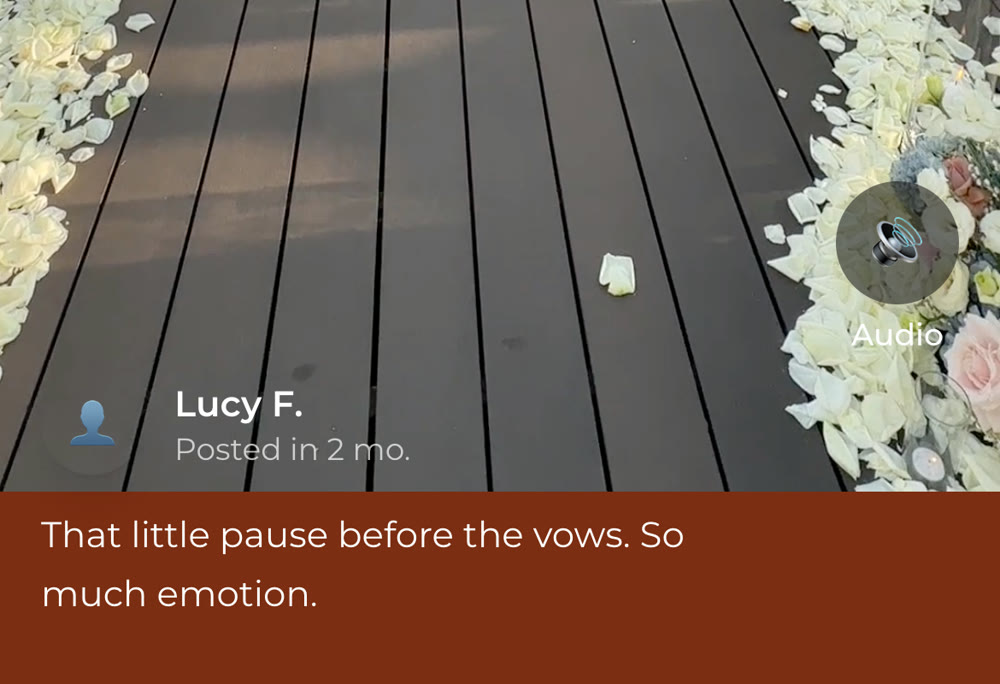
A photo with a line of text attached to it is the format that most quietly does double duty. You get the picture and you get the sentence, tied to a name, which is more than a paper guest book gives you and more than a photo dump gives you.
What each format actually costs
Pricing is the part vendors are least direct about, because most of them sell exactly one of these formats. The ranges below are UK hire prices commonly advertised by wedding guest book providers, checked August 2026. They’re other companies’ numbers rather than ours, so treat them as a budgeting guide and check current pricing directly, since it moves and most providers quote per wedding rather than per feature.
| Format | Typical range | What drives the price |
|---|---|---|
| Photo and message app | £0 to £80 | Guest numbers, storage, how long it stays hosted |
| Video guest book (app-based) | From about £199 | Video length limits, number of clips, editing add-ons |
| Video guest book (staffed booth) | £350 to £550 for an evening | Equipment hire plus an attendant for the evening |
| Audio guest book (phone hire) | £89 to £150, around £350 for a phone box | A physical hire, delivered and returned |
| Written message wall | £0 to £120 | Free as software, priced once you add a screen and AV hire |
The number nobody puts in front of you is the total. Plenty of guides suggest running two or three formats so every guest finds one they like, which sounds generous until you price it: an audio phone hire plus a photo app plus a projected message wall is three separate signups, three sets of signage, three things to explain, and a bill nearer £400 than £40. Guests don’t experience that as choice. They experience it as three different things being asked of them across one evening.
Digital guest book ideas that work at a real reception
Most guest book advice stops at “choose a platform.” These are the things that actually change how many messages you end up with.
Ask one specific question instead of “leave a message”
“Leave us a message” produces “Congratulations! Love, the Hendersons.” A specific prompt produces something you’ll actually want to reread. Ask “what’s your best memory of one of us?” or “what should we do on our tenth anniversary?” and the same guest who would have written one generic line writes four real ones. The prompt is doing the work here, not the platform.
Put it where guests are already standing still
The table by the entrance is the worst location and the most common one. Guests walk past it carrying a coat, looking for their seat, before they’ve had a drink. The good spots are wherever people are already waiting with nothing to do: the bar queue, the tables during the gap between dinner and dancing, the seated stretch through the speeches. If your guest book lives on a phone, all three of those are free.
Placement matters this much because the guest book is the one thing at a reception nobody actually has to do. Finding their table gets sorted either way, whether that’s a poster board or a search on their phone, because it blocks them from sitting down. The guest book blocks nothing, which makes it the last thing guests discover and the first thing they skip.
Have someone announce it once, early
One sentence from whoever is on the microphone, before dinner rather than at eleven at night, is worth more than every sign combined. It only works early: after the dancing starts, most people have put their phone away for the night, and the guests still on their phones at that point are the ones who were always going to leave a message anyway. Write it into the reception timeline you hand your MC, alongside the speeches, rather than trusting them to spot a gap on the night.
Don’t assume older guests won’t use it
This gets treated as settled and it isn’t. Older guests are frequently the ones filming the ceremony, and they’re often the ones who write the longest messages when asked, because they’re the least worried about sounding sentimental. What actually stops them isn’t the technology, it’s an unfamiliar sequence with an audience: creating an account, downloading something, working out where to tap while a queue forms. Take those away and the age gap mostly disappears.

Open it a week before the wedding
Anyone who can’t make the day can still leave something, which is the single best argument for going digital at all. It also gives you a page that already has messages on it by the time guests arrive, and a guest book with entries in it gets more entries. An empty one reads like a risk. The same trick works for any milestone event: opening collection early is a fixed step on the milestone birthday party planning timeline, for exactly this reason.
Keep collecting for a week afterwards
The trickle after the wedding is real and costs nothing. Guests who meant to leave a message and forgot will do it on the Monday, and people scrolling their camera roll the week after find photos nobody else has. Closing submissions at midnight on the day throws that away for no reason.
Prompts that get better messages than “congratulations”
Paste one of these into your guest book’s prompt field. The point is to ask for something specific enough that a guest doesn’t have to invent a topic while standing up.
| Prompt | What it tends to surface |
|---|---|
| What’s your favourite memory of one of us? | Specific stories rather than good wishes |
| What should we argue about less? | Genuinely funny, and it ages well |
| Tell us something we don’t know about each other. | The single best prompt for close friends and siblings |
| What’s your best piece of marriage advice, in one line? | Works for every age, especially older relatives |
| Where should we go for our first anniversary? | A practical list you’ll actually use |
| Describe tonight in three words. | Perfect for guests who freeze at a blank box |
| What were you thinking during the ceremony? | Emotional without demanding it |
| What do you want to say to us in ten years? | Turns the guest book into a time capsule |
| Who did you meet tonight that you didn’t know before? | Charming to read back, and it maps the room |
| Say hello to whoever reads this on our anniversary. | Guests write to a future version of you, which changes the tone |
If guests need help with the wording itself rather than the topic, point them at what to actually write in a guest book message. It’s the same problem in a different place: people don’t dislike writing the message, they dislike the blank page.
Where the messages live after the wedding
A digital guest book is a keepsake, so the questions that matter are the ones about five years from now, not next Saturday. (The same reasoning applies to the photos themselves, which is why sharing wedding photos with guests works best from one address that will still resolve in two years.) Three worth asking before you commit to anything:
Can you download all of it, as files you own? Photos, videos and the text of the messages, exported in one go. If the answer is that you can view it in their app, you’re renting your memories rather than keeping them.
How long is it hosted, and what happens after? Plenty of services host for six or twelve months as standard. That’s a fine window for a photo-sharing tool and a bad one for a guest book, which is a thing you’re meant to open on an anniversary. Find the expiry date before you find it the hard way.
Does anyone need an account to look back at it? If showing your parents the messages means walking them through a login, you’ll do it twice and then stop. A plain link that just opens is worth more than any feature on the comparison table.
Pricing gets compared obsessively and retention almost never does, which is backwards. The cheapest option that deletes everything after a year cost you the entire thing.
You don’t have to choose between digital and paper
Nothing here argues against a physical book. A beautiful one on a table is a lovely object and some guests genuinely prefer a pen.
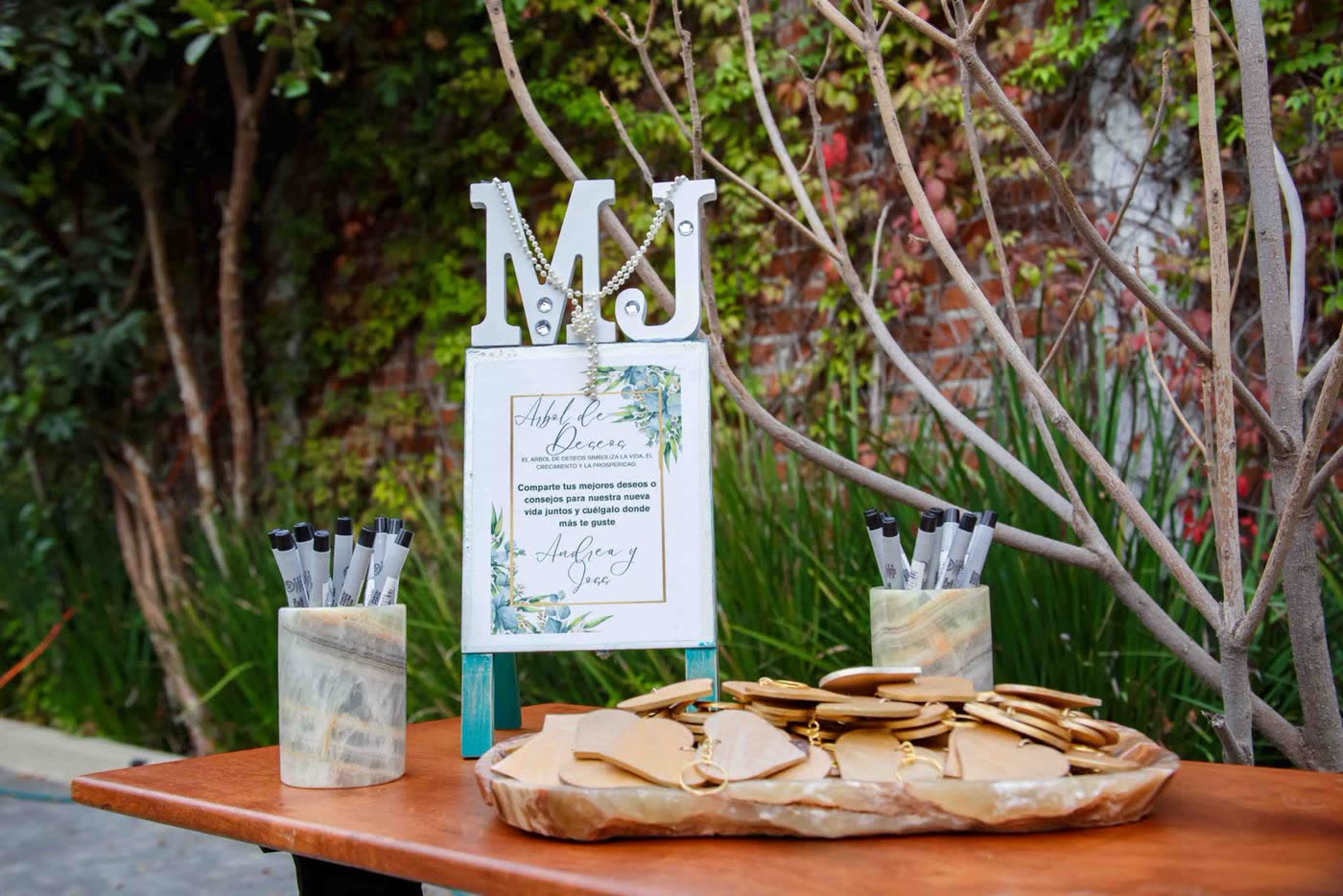
The realistic version for most weddings is both: the book or the tag station out for anyone who wants it, and a digital guest book for everyone who walks past it, which is most people. You’ll get handwriting from the guests who wanted to write, and messages from the ones who would otherwise have left nothing. That’s a better outcome than either on its own, and it costs you a sentence on the microphone.
The checklist
| When | What to do |
|---|---|
| 4 weeks before | Pick your format based on your actual guest list, not the nicest-looking product |
| 2 weeks before | Write your prompt, one specific question, not “leave a message” |
| 1 week before | Open it early so remote guests can leave something and the page isn’t empty |
| Day of | One announcement before dinner, and put the entry point where guests already are |
| The week after | Leave it open for the stragglers and the camera-roll finds |
| Within the month | Download everything, and check how long it stays hosted |
Quick answers
Do guests need to download an app to use a digital guest book? With most modern options, no. They open a link or scan a code and the guest book loads in their phone’s browser. Anything that requires an app download will lose you a meaningful share of guests, so it’s worth checking before you commit.
What if our older guests aren’t comfortable with it? Most are more comfortable than expected once there’s no account to create. The barrier is almost never the phone itself, it’s being asked to sign up for something unfamiliar with people waiting behind them. Formats that open straight from a link, or an audio option they can simply speak into, both work well.
Is a digital guest book cheaper than a paper one? A digital guest book is usually cheaper, though not always. A good physical book and pen set lands in much the same range as a mid-range digital option, and well under an audio phone rental. The bigger difference is what you get back: a page of signatures, versus photos, messages and video you can copy, share and keep.
Can guests who can’t attend still leave a message? Yes, and this is one of the strongest reasons to go digital. Open it a week early and share the link with anyone who couldn’t travel. Grandparents, friends abroad and anyone who was ill on the day can all still be in the book.
What’s the difference between a digital guest book and a photo-sharing app? There is increasingly very little difference, and that’s the point. A photo-sharing tool where guests add a caption to what they upload is already a guest book: you get the picture, the message and the name together. If you’re setting up a QR code for guest photos anyway, you may not need a separate guest book product at all.