How to Share Wedding Photos With Guests: 6 Ways Compared

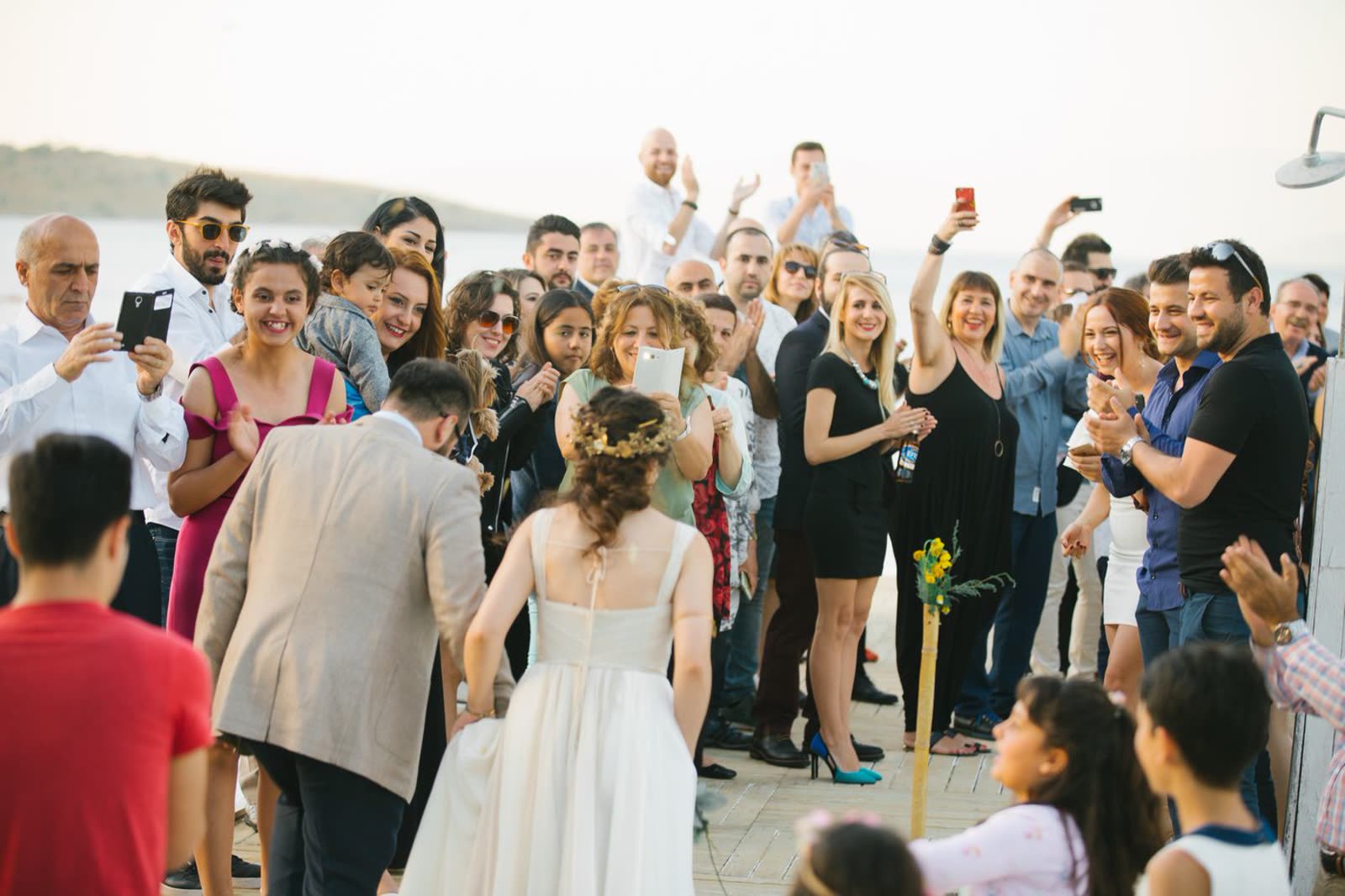
There are six realistic ways to share wedding photos with guests: a shared cloud album, a cloud storage folder, a file transfer link, your photographer’s own gallery, a group chat or social post, and a dedicated event page. They differ on three things that actually decide it, and price is only one of them. The other two are whether a guest needs an account to get in, and how long the link keeps working.
Then there’s the part almost nobody plans for: whichever you pick, sharing is not one delivery. Guest photos exist the moment the wedding ends, and the photographer’s gallery does not. So this post covers both halves, which method and then when to send what. (For the opposite job, collecting photos from guests during the day, see the QR code for wedding photos setup guide.)
Six ways to share wedding photos with guests, compared
| Method | Guest needs an account | Keeps full resolution | Takes video | How long the link lives |
|---|---|---|---|---|
| Shared cloud album (Google Photos, iCloud Shared Albums) | Yes, to add anything | Yes, if you upload at original quality | Yes | As long as the account does |
| Cloud storage folder (Google Drive, Dropbox, OneDrive) | Usually, for edit access | Yes | Yes | As long as the account does |
| File transfer link (WeTransfer and similar) | No | Yes | Yes | Expires on a timer, days not years |
| Your photographer’s gallery | No | Usually a web-size download | Rarely | A fixed hosting window, then it stops |
| Group chat or social post | They need that app | No, both compress heavily | Yes, compressed | As long as the thread survives |
| Event page with a gallery built in | No | Yes | Yes | The window your plan buys, stated up front |
The second column quietly decides how many of your guests ever see the photos. Google’s two options are the ones most couples reach for first, and both want a guest signed in to a Google account before they can add anything. That’s fine for your sister. It’s the reason your uncle gives up.
The last column is the one nobody checks until it matters. A transfer link and a photographer’s gallery are both temporary by design, and both are routinely the only copy a guest was ever sent. One row deserves a defence: group chat is a genuine option, not a joke, and it wins in specific cases, which the wedding photo sharing app vs group chat comparison sets out.
What a wedding gallery weighs, against each free tier
This is the arithmetic no guide to this question prints, and it decides whether “just use Dropbox” is actually free.
A UK photographer’s full-day gallery runs 300 to 800 edited images (Holly Waters Photography), and delivered at full resolution those are commonly 8 to 15 MB each. Call it 4 GB to 9 GB for the photos alone. Guest video is what moves the number: phone footage is roughly 60 MB to 150 MB a minute, so half an hour of clips can weigh as much as the entire photo gallery again. Here is what each free tier holds against that, checked September 2026.
| Method | Free allowance | Paid, in the UK |
|---|---|---|
| Google Photos / Drive | 15 GB, shared across Gmail, Drive and Photos (Google One UK) | Google One 100 GB £1.59/mo, 2 TB £7.99/mo |
| iCloud Shared Albums | 5 GB account storage (Apple UK) | iCloud+ 50 GB £0.99/mo, 200 GB £2.99/mo, 2 TB £8.99/mo |
| Dropbox | 2 GB (Dropbox UK) | Plus 2 TB £7.99/mo |
| WeTransfer | 10 transfers or 3 GB in any 30 days (WeTransfer) | Paid tiers lift the cap |
| Group chat or social post | No storage cost at all | Nothing to pay, and nothing kept at full quality |
| Photographer’s gallery | Included in your photography fee | Not yours to extend |
| Event page with a gallery | Guests upload free, no account needed | ShareWithGuests from £49 for the event |
Only Google’s 15 GB is even in range, and that 15 GB is the same allowance holding your Gmail. Every other free tier is smaller than the photos alone.
That is not an argument for paying. It is an argument for not sending guests the full gallery at all, which wave three below covers: a curated set of 60 to 80 web-size images is a few hundred megabytes and fits anywhere. Free tiers only bite when you treat a sharing link as backup storage, which is a different job.
For most couples, the answer from both tables is an event page or a shared cloud album, because they are the only two that keep full quality, take video, and last beyond a single send. Which of the two comes down to whether you mind your guests needing an account.
Your photos arrive six weeks after anyone asked for them
Wedding photographers generally quote four to twelve weeks for a full edited gallery, and most land around six to eight. Photographers who write about this publicly, like Zoe Larkin and Christine Hazel, give the same range and the same reason: yours is in a queue behind other weddings.
Your guests are on a completely different clock. The morning after, everyone who was there is scrolling their own camera roll and asking whether anyone got a good one of the first dance. That is the peak of interest in your wedding photos, and it will never be that high again. Eight weeks later, when the gallery link arrives, most guests open it once.
| When | What actually exists | Who is holding it |
|---|---|---|
| The night of the wedding | Hundreds of guest photos and videos | Your guests, on their own phones |
| The next morning | Your camera roll, plus anything guests uploaded | You, if you set up a collection link |
| The first few days | The photographer’s sneak peek, if they offer one | You |
| 1 to 2 weeks after | The last of the guest photos, as people remember | Your guests |
| 4 to 12 weeks after | The full edited gallery | You |
Read that as a delivery schedule, not a waiting list. There is something to send in every row except the last, and the last is the only one most couples plan for.
Wave 1: the morning after
Wave one is made entirely of photos that already exist. It costs twenty minutes and lands on the one day everyone is still looking.
If you set up a photo collection link for the wedding, guests have been uploading all evening and there is already a gallery sitting there. If you didn’t, the morning after is still the best day you will get to ask, because it’s the last day anyone scrolls back through their camera roll unprompted. Nobody deletes wedding photos on day one. Plenty of people have replaced their phone by week six.
What to send:
- Ten to fifteen photos, not everything. A wave of 400 unsorted images reads as a chore. Fifteen good ones read as a gift, and they get forwarded.
- The sneak peek, if you have it. One or two professional frames alongside guest photos sets the expectation that more is coming, which buys you patience for the next six weeks.
- A sentence about when the rest arrives. “The photographer’s gallery is about eight weeks out, we’ll send it the day it lands.” Guests rarely know how long wedding photography takes, and the silence is what makes them assume there’s nothing to wait for.
Wave 2: the first week, and how to ask for the rest
Guest photos trickle in for about a week, and the trickle stops early if nobody asks a second time. The thank-you message is that second ask: you’re sending one anyway, and it converts better than a standalone request because it doesn’t read as a chore. The wording matters more than the channel:
- Name specific moments instead of asking for “your photos.” “Did anyone get the speeches, or the dance floor after ten?” gets replies. “Send us your photos!” gets ignored, because it asks the reader to decide what you want.
- Give a closing date. “We’re keeping the album open until the end of the month” is the difference between a task and a someday. Two weeks is about right.
- Say what you’ll do with them. People send more when the photos are going somewhere.
If you’re also collecting written messages from guests, the same week is when to do it and the same message can carry both asks; there’s more on that wording in digital guest book ideas that guests actually use. Settle one other thing early: what guests may do with what they’ve got. Most couples never say, so guests guess, and some of the guessing happens on Instagram before you’ve seen a frame. Wedding photo etiquette for guests covers that conversation.
Wave 3: when the gallery lands, don’t forward all of it
The gallery arrives and it is large, several hundred images at least. The instinct is to forward the link to everyone exactly as the photographer delivered it, and that is one of the most-ignored messages of the whole process, because what guests want from it is narrow: the ones with them in them, the ones of the couple they’ll put on a shelf, and the group shot. Three things before you forward anything:
- Make a guest-facing subset. Sixty to eighty images across the whole day is plenty, and as the storage table above shows, that is the version that fits anywhere. Most gallery platforms let you build a second album from the same set without re-uploading. Keep the full gallery for yourselves.
- Decide about downloads once, for everyone. Web-size downloads for all guests is the normal setting and usually right. Full-resolution files are for anyone who wants a print, which in practice is parents and grandparents.
- Check how long the link lives. Gallery hosting is a fixed window, not forever, and when it lapses the link stops working. Ask your photographer for the actual date, then either say so when you send it (“downloadable until March”) or move the guest-facing subset somewhere you control.
Then write the message like it’s from you, not from the gallery platform: two lines about the day, the link, one line about what’s in it. The automated “your gallery is ready” email tends to get archived unopened.
Wave 4, and the expiry date nobody checks
At six months, at the first anniversary, and any time a photo surfaces, the people who were at your wedding are still glad to see it. This wave is the cheapest of the four, and it is the one that tests whichever method you picked in the first section. A photographer’s gallery may not still be there. A transfer link definitely won’t be. A shared album tied to one person’s cloud storage generally is, right up until that person changes plans.
So be deliberate about one thing: find out the actual expiry date of whatever you’re using, write it down, and make sure the guest-facing set outlives it. Almost nothing in this list is permanent by default, and the failure is always the same: nobody checks until the link is already dead. If the answer is a date you don’t like, the move is to keep your own copy of the guest-facing set somewhere you control, and re-share from there.
That is the problem ShareWithGuests is built for, and it isn’t editing or storage. Your guests already have one link for your wedding: the event page they used on the day for the schedule, the seating chart and their own uploads. It doesn’t stop existing when the reception ends, so all four waves arrive at an address every guest already has, with nothing new to distribute and no account for anyone. To hold ourselves to the same standard this section asks of everyone else, here are our actual windows rather than a vague “forever”: the £49 one-time plan keeps the event live for 30 days and media for 6 months, and the £99 plan for 90 days and 12 months. Download the set before your window ends, the same as you should with any photographer’s gallery. You’d still upload the professional subset yourself in wave three, and the photographer’s gallery stays where it is.
Send photos to the people who are actually in them
A gallery link sent to 80 people is a broadcast. Fifteen minutes of targeted sending is the part guests remember, and few couples get to it.
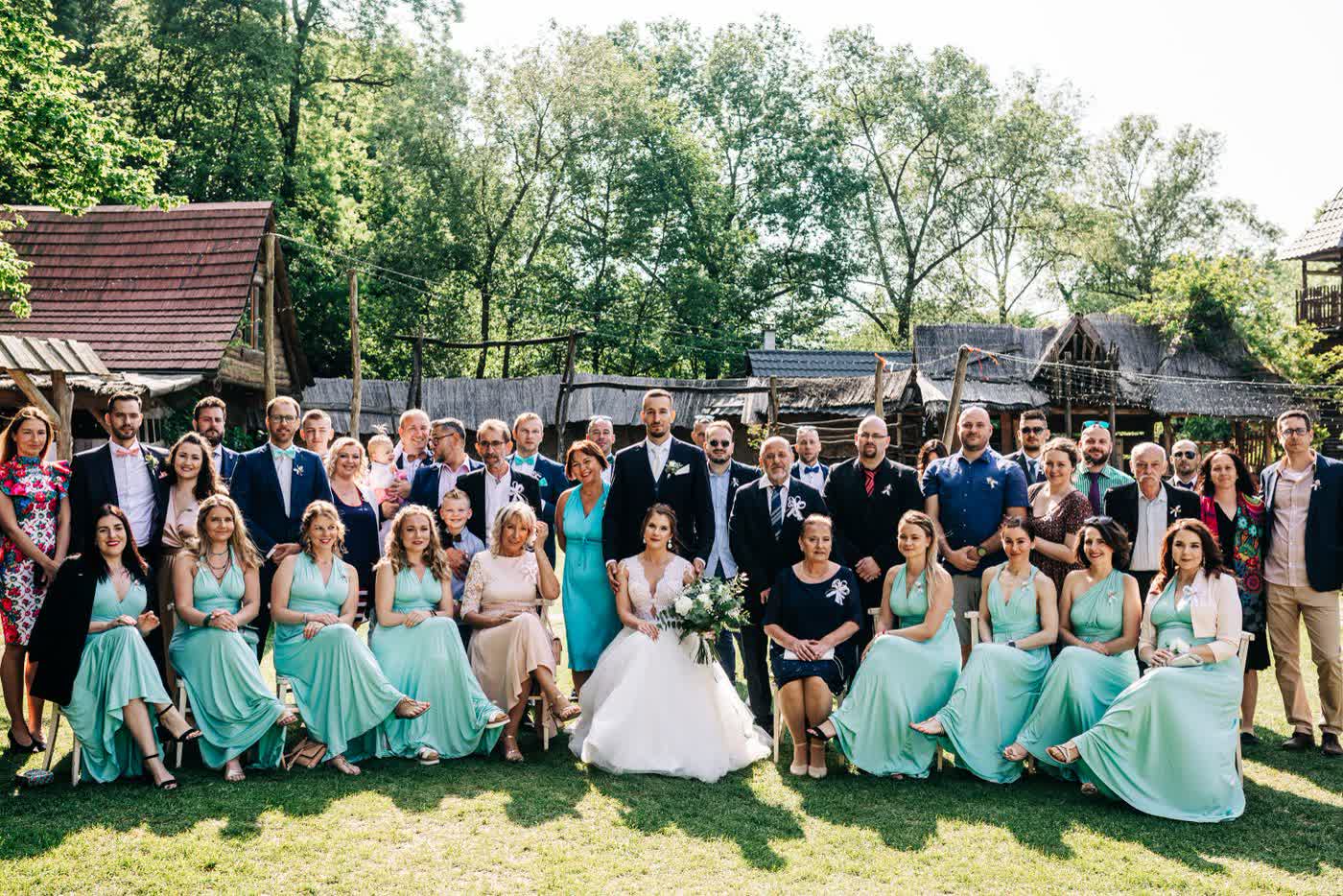
The formal group shot is the obvious case. Your aunt is in one photo out of several hundred, that photo is the one she wants framed, and she will not find it. Send it to her. Same for the dance floor set, and the kids’ photos to their parents.
- Send full resolution to anyone who might print. A screenshot from a gallery preview won’t survive being enlarged, and people rarely ask twice.
- Do the group shot within a week of the gallery arriving. It’s the one photo relatives ask about unprompted, and getting there first saves a round of individual requests.
- Check before sending photos of other people’s children. Parents overwhelmingly want them, but sending to the parent rather than posting to a group is the version nobody has to be asked about.
Quick answers
What’s the best way to share wedding photos with guests? Whichever place your guests already have a link to, used for every send. Of the six methods above, only an event page and a cloud album pass both tests that matter: no account for guests, and a link that still works next year.
Do guests need an account to see wedding photos? With Google Photos, iCloud Shared Albums and most cloud folders, yes, at least to add anything. Transfer links, photographer galleries and event pages don’t, which is why participation runs higher on those.
Is free cloud storage enough for wedding photos? Rarely for the full gallery. At 300 to 800 images of 8 to 15 MB, the photos alone are 4 GB to 9 GB before any video, against 5 GB free on iCloud, 2 GB on Dropbox and 15 GB on Google that also holds your Gmail. A curated 60 to 80 image guest set fits any of them.
When should you share wedding photos with guests? Start the morning after with guest photos, keep collecting for two weeks, then send a curated set when the professional gallery arrives. Waiting for the gallery means your first send lands six to eight weeks after anyone was asking.
How long does it take to get wedding photos back from a photographer? Typically four to twelve weeks, most commonly six to eight. Many send a small sneak peek within 24 to 72 hours, so ask.
Should you send guests the whole photographer’s gallery? No. Build a guest-facing subset of roughly 60 to 80 images spread across the day, because the ones guests want are the ones with them in them.
The four-wave checklist
| Done | Task |
|---|---|
| ☐ | Pick one method from the table above, judged on accounts and link lifespan, not price |
| ☐ | Ask your photographer for their turnaround time and whether they send a sneak peek |
| ☐ | Set up one photo link before the wedding, and use it for every send afterwards |
| ☐ | Pick 10 to 15 guest photos and send them the morning after |
| ☐ | Tell guests when the professional gallery is expected |
| ☐ | Fold the second photo ask into the thank-you message, with a closing date |
| ☐ | Build a 60 to 80 image guest-facing subset when the gallery lands |
| ☐ | Check the expiry date on every link you use, the photographer’s included |
| ☐ | Send the group shot, and any photo someone is clearly the subject of, directly |
| ☐ | Keep your own copy of the guest-facing set, so it outlives whatever link you used |