How to Get Wedding Guests to Actually Use Your Photo QR Code

Guests use a wedding photo QR code when three things are true: they can see it without looking for it, someone tells them out loud why it matters, and the page still accepts photos after the day. Most couples sort out the first one, and a few sort out the second. Hardly anyone plans the third, and it is the one that quietly brings in the photos from guests who were too busy dancing to upload anything on the night.
This post assumes the code already exists. If you still need to make one, start with the QR code guide, which covers sizes, links and printing. This one is about what happens next.
A code that nobody is told about is just decoration
Setting up a photo page feels like the finish line, and it is easy to print the code, put it on a few tables and consider it done. The trouble is that a guest’s phone is in their pocket for most of a wedding, and a small square on a card has to compete with food, drink, speeches and people they have not seen for years.
So treat the code like any other part of the day that needs a plan: a place, a person and a time. The rest of this post takes those in turn.
Make it impossible to miss
Guests should meet the code several times, in different places, without having to hunt for it. One code everywhere is the rule, so photos end up in one gallery.
| Where | What it does | Note |
|---|---|---|
| Invitation or wedding page | Tells guests early that photos are wanted | Add the link as text, since a guest cannot scan a code on their own screen |
| Welcome sign on an easel | The first thing guests see on arrival | Big code, one line of wording |
| Place cards or table cards | Reaches every seated guest | The best spot, because phones come out at tables |
| Bar | Catches people while they queue | A small card is enough |
| Order of the day or menu | Sits in front of guests during the meal | Print the typed link underneath |
| Thank-you card | Prompts the photos taken on the night | Sent after the wedding |
Sizes for each of these are in the QR guide, so they are not repeated here.
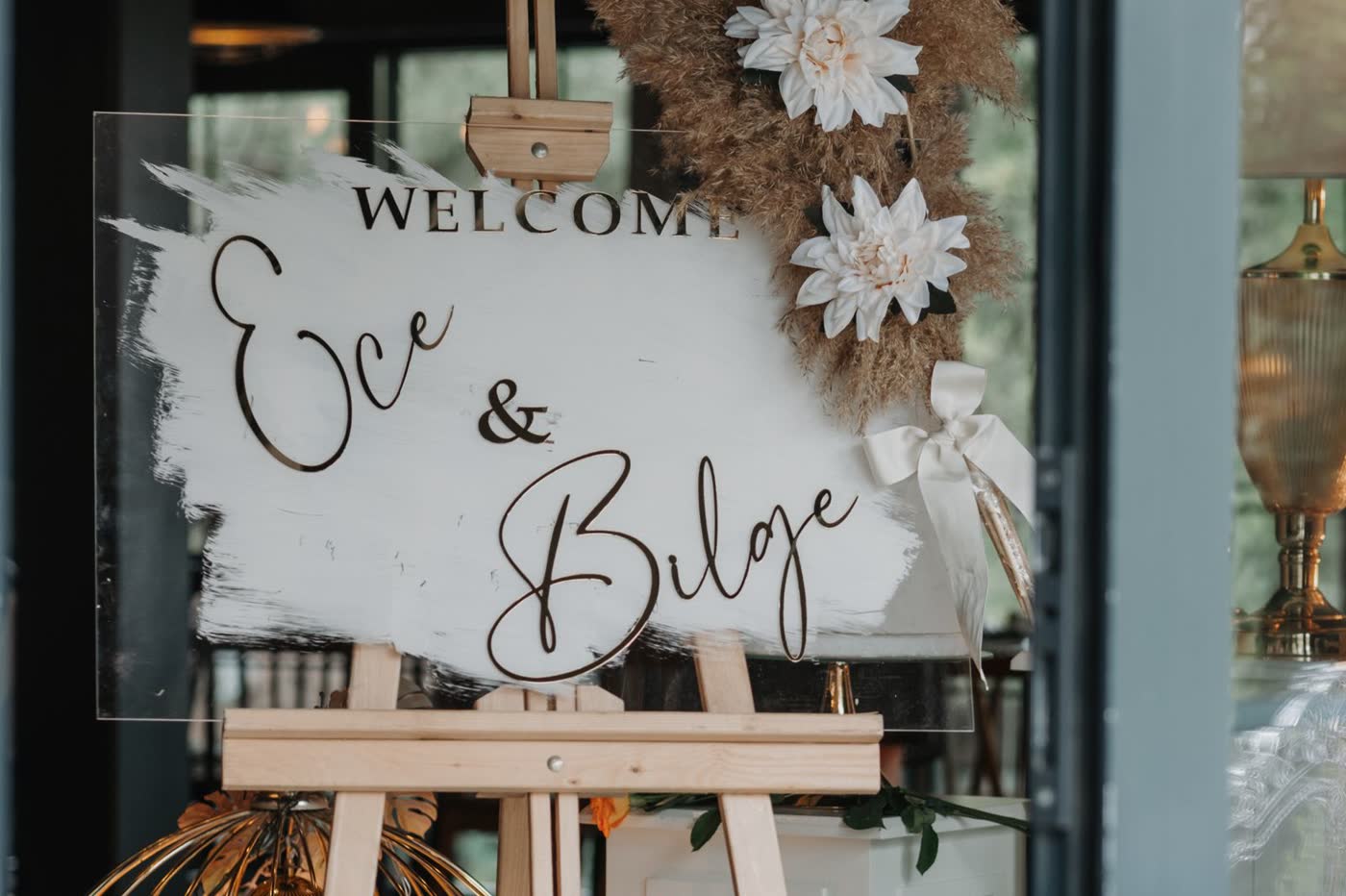
A code with no explanation gets ignored by anyone unsure what it does. Put one plain line beside it that says what to do and why, for example: “Got a photo or video from today? Scan to add it to our album. No app, no sign-up.” The “no app, no sign-up” part answers the first question a hesitant guest asks.
Give someone the job of pushing it
You will not be the person who reminds guests. You are the subject of the photos, you are moving between people all day, and the moment you are least free is the moment guests are most relaxed. So hand the job to someone else, and say so in advance.
Who to ask, in order of how well they are placed:
- The MC, if you have one. They already hold a microphone and the room’s attention, and reminding people is part of the job.
- A bridesmaid or an usher who will be around guests all day and does not have a speech to give.
- A sibling or a close friend, if there is no MC.
- The best man or maid of honour, only if they are not also carrying a speech and a list of other jobs. They are the obvious choice and often the busiest.
Give them something short to say and a moment to say it. A one-line brief is better than a conversation.
| Moment | What they do |
|---|---|
| Start of the drinks reception | Say where the code is and that photos and videos are wanted all day |
| When the meal is cleared | Say it once more, naming the moments the photographer cannot cover |
| As the dancing starts | Remind guests that the dance floor is the best material |
| An hour in | Check the gallery on their phone, and if it is quiet, walk the tables |
| Near the end of the night | One last line, plus the message that uploads are still open tomorrow |
The wording matters as much as the timing. “Please scan the code” is an instruction. “We cannot see the dance floor from the top table, so if you catch a good one, add it” gives a reason. The wedding photo etiquette post has wording you can lift for the ceremony and the reception.
Also tell your helper who the stragglers are. A relative who does not use a phone much will need someone to scan for them the first time, and that person is easiest to help in the first hour, before the room gets loud.
Keep it open after the wedding
Most of the photos worth having arrive after the day. Guests find the clip of the first dance on their phone a few days later, or they get home and realise they never uploaded anything. If the page has stopped accepting photos, those moments are lost.
With ShareWithGuests, guests can keep adding while your event is active. Per the plan details, that is 30 days on Plus and 90 days on Pro, so check the end date in your dashboard before you tell guests how long they have. A wedding photo page that closes at midnight on the day throws away the best part of that window.
Use it on purpose:
- The next morning. A short message to the wedding group chat with the link and a line asking for anything from the evening. The morning after is when people open their camera rolls.
- About a week later. One more nudge, naming something specific, such as the speeches or the dance floor, so it reads as a request for particular footage.
- On the thank-you card. The code and the typed link again, with the date it closes.
Sending photos back out, and when to do it, is a separate job covered in how to share wedding photos with guests.
Check it is working while you can still fix it
An hour into the reception, ask your helper to open the gallery. If it holds a handful of photos from a hundred guests, the code is not being seen, and it is easy to fix then: move a card, say the line again, or have your helper walk the tables. On Pro, the analytics dashboard shows uploads and contributors, which tells you the same thing without anyone having to scroll.
Quick answers
How do I get guests to use a wedding photo QR code? Put it in several places, add one line saying what it does, and have a named person remind guests out loud.
Who should remind guests to upload photos? The MC if you have one, otherwise an usher or bridesmaid without a speech to give.
Can guests upload after the wedding? Yes, while your event is active: 30 days on Plus and 90 on Pro.
How many times should we mention it? At least three: when drinks start, after the meal and as the dancing begins.
What if guests are not comfortable with QR codes? Print the typed link beside the code and ask your helper to scan the first one with them.
The checklist
| When | What to do |
|---|---|
| Four weeks before | Put the link on the invitation or wedding page and choose your helper |
| Two weeks before | Print the sign, table cards and thank-you cards with one line of wording each |
| The week before | Give your helper the five-moment brief and check the end date in your dashboard |
| Wedding day | Sign at the entrance, cards on tables, three spoken reminders |
| One hour in | Open the gallery and fix the gaps |
| Next morning | Message guests the link and ask for the evening footage |
| One week later | A second, specific reminder |