Best QR Code Wedding Photo Apps Compared: UK Prices for 2026

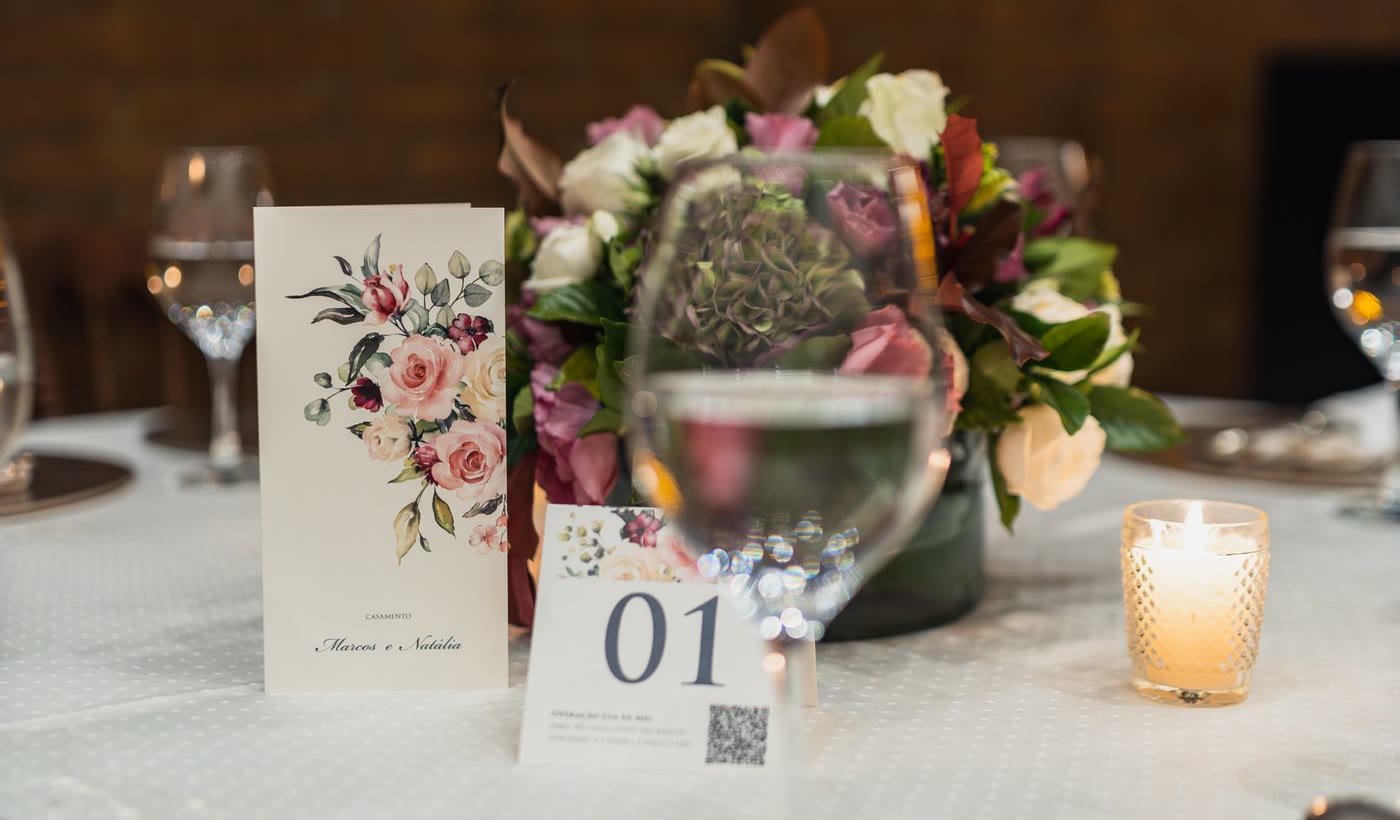
The best QR code wedding photo app for most UK couples is the one whose upload window and storage period match how you plan to use it, because on the basics they are now nearly identical. All seven apps compared here let guests scan a code and upload from a browser with no app and no account, and every plan with a published price is a one-off payment per wedding, from about £24 to £99. Where they differ is in how long guests can keep uploading, how long your photos are kept, what “unlimited” excludes, and whether you pay in pounds.
One of the seven is ours. ShareWithGuests is the product behind this blog, so read the comparison knowing that. It has the highest top price here (£99) and the shortest upload window for its price, and both are in the tables below.
What we checked, and what we didn’t
Every figure below was read from the vendor’s own pricing page on 12 November 2026, with two exceptions that are marked: the pricing pages for GuestPix and Kululu describe their plans but did not show us a figure, so their “from” prices come from Bridebook’s UK roundup, published 19 October 2026.
We did not run a wedding on each app, so this is not a hands-on review and it makes no claims about upload speed, gallery design or support. Those are worth testing yourself on a free tier or inside a refund period. What a pricing page can tell you reliably is what you pay, what you get, and when it ends, which are the things couples tend to find out too late.
Prices change and several vendors were running promotions on the day we looked. Treat the tables as a dated snapshot and check the vendor’s page before you pay.
What each app costs
| App | Cheapest paid plan | Top plan | What moves you up a plan | Free tier |
|---|---|---|---|---|
| Fotify | £24 | £64 | Longer upload window, video | 50 photos, 7 days |
| Wedding Studio | £24 (up to 25 guests) | £79 (unlimited guests) | Guest count | None listed |
| GuestPix | From £39 (per Bridebook) | Not shown to us | Longer upload window | 50 photos, 30-day uploads |
| Kululu | From $39 USD (per Bridebook) | Not shown to us | Guest and photo count | Small events only |
| GuestCam | $49 USD | $97 | Longer upload window, more galleries | None |
| Wedibox | $49 USD | $79 | Longer upload window, extra features | 50 uploads |
| ShareWithGuests | £49 | £99 | Longer event and storage, analytics | None |
Every plan we could see a price for is a one-off payment per wedding, not a subscription.
Three different pricing models sit behind that table, and the model matters more than the headline number:
- By time. GuestCam, Wedibox, GuestPix, Fotify and ShareWithGuests all charge more for a longer window. The cheapest plan is fine if you only need the wedding day and the weeks after.
- By guest count. Wedding Studio’s three plans are identical except for the number of guests, counted as devices that upload at least one photo or video. The middle plan, £54, covers up to 100 guests. Only phones that actually upload count towards that, so a wedding of about 95 guests across day and evening (the Hitched survey average cited in our group chat comparison) should fit, but a larger one needs the £79 plan. Wedding Studio showed all three prices as roughly half a higher list price on the day we checked.
- By feature. Fotify’s £24 plan is photos only. Video starts at £39, and that plan caps short clips at 30 seconds with 100 longer clips of up to five minutes. If your friends film the first dance, that limit is the one you’ll meet.
Pounds or dollars
Fotify, Wedding Studio and ShareWithGuests showed prices in pounds. GuestCam and Wedibox price their plans in US dollars on their own pages, so those figures are left in dollars here rather than converted. If you pay a dollar price with a UK card, the pound amount depends on the exchange rate that day, and many UK cards add a non-sterling transaction fee on top. Some vendors show a local price at checkout (Bridebook lists GuestCam from £37), so look at the final screen before you compare.
The two clocks: how long guests can upload, and how long photos are kept
Every one of these apps runs two timers. The first is the upload window: how long the QR code keeps accepting photos. The second is storage: how long the gallery exists before you must have downloaded it. This is where the seven differ most.
| App and plan | Guests can upload for | Photos kept for |
|---|---|---|
| Fotify, £24 | 30 days | 90 days |
| Fotify, £39 | 90 days | 365 days |
| Fotify, £64 | 180 days | 365 days |
| ShareWithGuests Plus, £49 | 30 days | 6 months |
| ShareWithGuests Pro, £99 | 90 days | 12 months |
| GuestPix Classic | 3 months | 12 months |
| GuestPix Signature | 12 months | 12 months |
| GuestCam Standard, $49 USD | 6 months | 12 months |
| GuestCam Premium, $97 USD | 12 months | 14 months |
| Wedibox Wedding, $49 USD | 6 months | 1 year |
| Wedibox All-In-One, $79 USD | 1 year | 2 years |
| Wedding Studio, all plans | 24 months after the wedding | 24 months after the wedding |
| Kululu | Not stated on its pricing page | Not stated on its pricing page |
Two things stand out. Wedding Studio has the longest upload window at every price, and shares the longest storage with Wedibox All-In-One. And ShareWithGuests has the shortest upload window of any plan at its price: 30 days on Plus, where GuestCam and Wedibox give six months for a similar amount.
How much that matters depends on when your photos arrive. If you expect most of them in the first week or two, and you chase the late uploads on purpose, a 30-day window is enough. It does not cover a honeymoon album added to the same gallery two months later, or a relative who finds the photos on an old phone at Christmas. If you want the code to keep working for a year, buy a plan that says so.
Whichever you choose, put the storage end date in your calendar the day you buy. None of these services keeps your photos for ever, and “download everything” is a job that’s easy to forget in the first year of marriage.
What “unlimited” leaves out
Most of these pricing pages say unlimited photos and videos. The limits are elsewhere:
- Clip length. Apart from Fotify, none of the pages we read publishes a clip cap, which is not the same as not having one. Upload a three-minute video in your test.
- Who counts as a guest. Wedding Studio counts uploading devices. Kululu’s pricing page describes its Plus plan as suited to up to 100 guests and around 500 photos, with Pro for larger weddings.
- Fair use. GuestPix’s unlimited guests are subject to a fair use policy of up to 1,000 guests per event, which no wedding will trouble but is worth knowing exists.
- Free tiers. The free plans are mostly trials. Fifty photos goes quickly once a few guests start uploading.
What else comes with the link
If all you want is a shared album, skip this section and choose on price and the two clocks. But several of these products have grown past photos, in different directions:
| App | Beyond the photo album |
|---|---|
| Wedibox | Audio guestbook and live slideshow on the Wedding plan; wedding website, seating chart and registry links on All-In-One |
| GuestPix | Digital invitations and RSVPs |
| Fotify | Digital invitations, RSVPs and table seating |
| Wedding Studio | Printed QR stationery and photobooks as paid extras |
| GuestCam | Several separate galleries, each with its own code, on Premium |
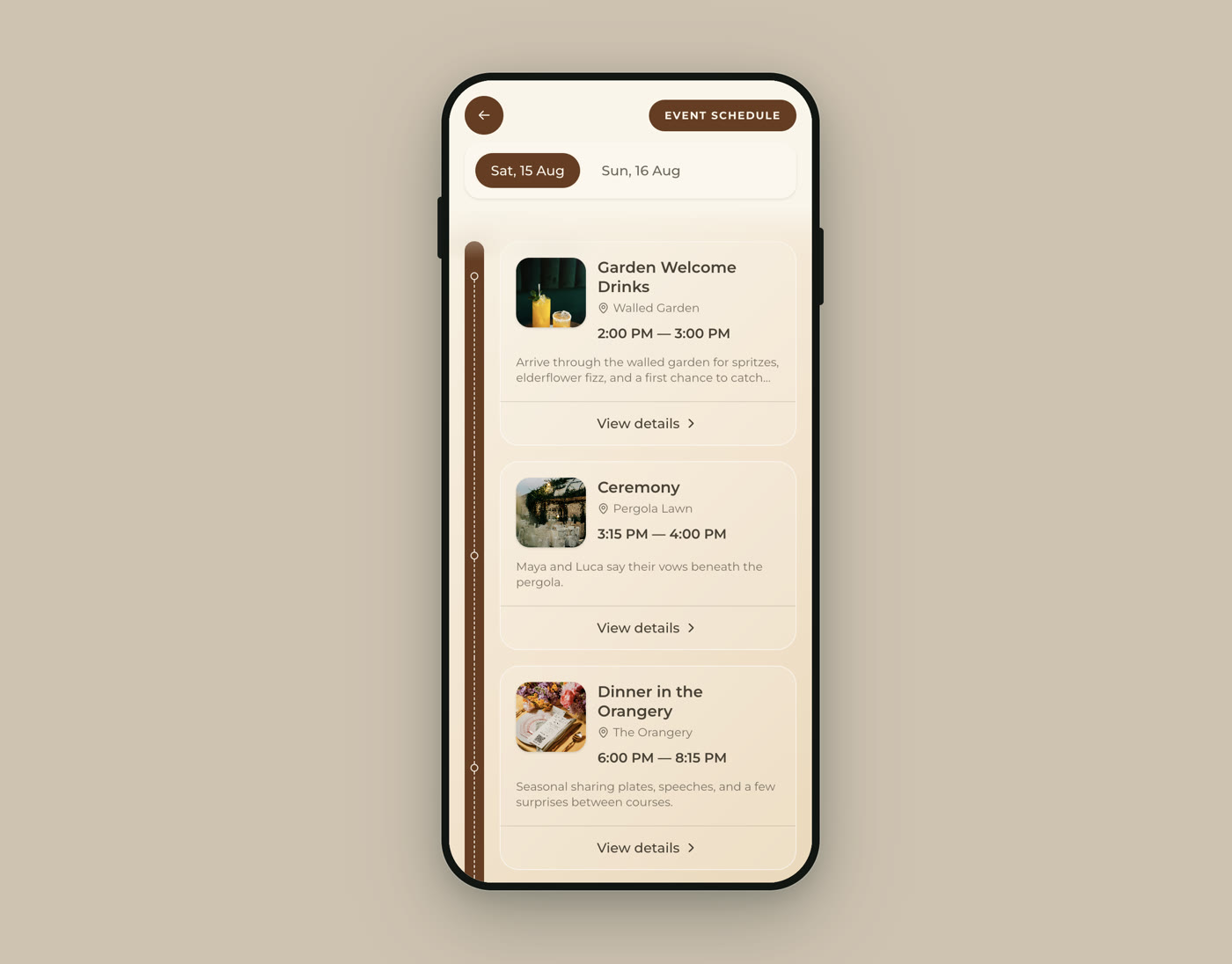
| ShareWithGuests | Schedule, find-your-table search, menu, playlist and quiz on the same guest link |
ShareWithGuests is built around a single guest link for the day, and Wedibox All-In-One covers similar ground from the wedding-website side. On ours the photo reel is one of several pages, so the code a guest scans to find their table or check when the speeches start is the same one they use to upload photos. That is useful if you were going to print three codes anyway, and irrelevant if you already have a wedding website you like.
Which one to pick
| If this is you | Look at | Why |
|---|---|---|
| You want the lowest price in pounds and photos only | Fotify at £24 | Joint-lowest price here with no guest cap, but 30 days of uploads, 90 days of storage and no video |
| You want guests to upload for a year or more | Wedding Studio, GuestCam Premium, Wedibox All-In-One or GuestPix Signature | The only plans with a 12-month or longer upload window |
| You have a small wedding, 25 guests or fewer | Wedding Studio at £24 | Two years of uploads and storage at the lowest price, if your numbers hold |
| You want an audio guestbook in the same place | Wedibox | Included from the $49 USD plan. Our digital guest book guide compares it with hiring an audio phone |
| You want the schedule, seating, menu and photos on one code | ShareWithGuests, or Wedibox All-In-One | Photos are one page of a guest link for the whole day |
| You’re not sure guests will use it at all | Any free tier first | Print one test code, try it on three phones, then pay |
If none of those rows describes you, a paid app may not be what you need. A shared Google Photos album or a Drive folder behind a QR code costs nothing, with trade-offs around accounts and storage limits that we cover in six ways to share wedding photos, compared. Making and printing the code itself is the same job whichever service sits behind it, and our QR code setup guide covers sizes and placement.
Quick answers
What is the best QR code app for wedding photos in the UK? There isn’t one winner: Fotify and Wedding Studio share the lowest price (£24), Wedding Studio keeps uploads open longest, and ShareWithGuests also carries the schedule and seating.
Do guests need to download an app? Not with any of the seven compared here. Guests scan the code and upload from their phone’s browser without creating an account.
How much does a wedding photo QR code app cost? Between about £24 and £99 as a one-off payment, for the plans that publish a price, based on the vendors’ pricing pages in November 2026.
How long do these apps keep wedding photos? From 90 days on the cheapest plan here to two years on the most generous, so download the full gallery well before the end date.
Is there a free QR code option for wedding photos? Yes. Several apps have free tiers of about 50 photos, and a shared Google Photos album behind a free QR code costs nothing but asks more of your guests.
Before you pay: six checks
| Check | What to look for |
|---|---|
| Upload window | The date the code stops accepting photos, and whether it runs from the wedding or from purchase |
| Storage | The date the gallery is deleted, in your calendar |
| Currency | The amount on the final checkout screen, in pounds |
| Video | A three-minute clip uploads and plays back |
| Guest limit | Whether your day and evening numbers fit the plan |
| Download | You can export every photo at full size in one go |